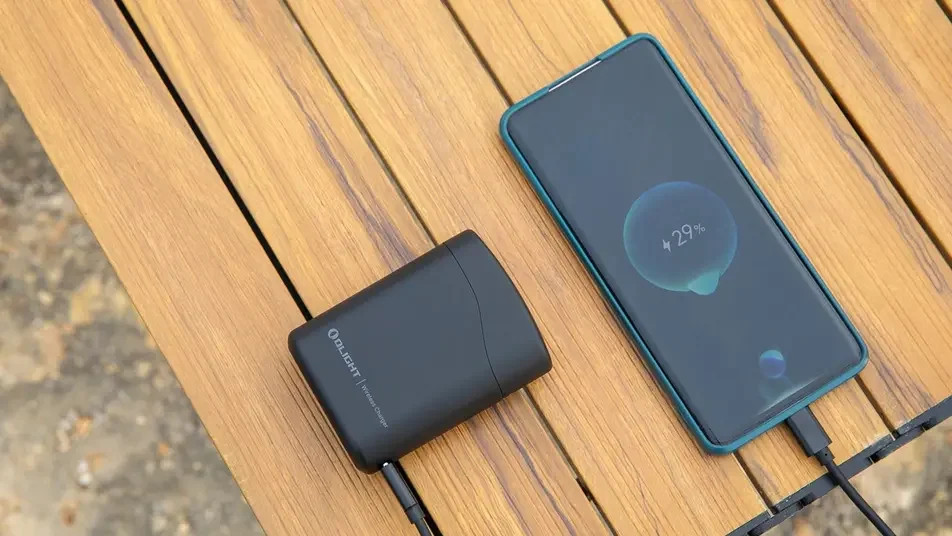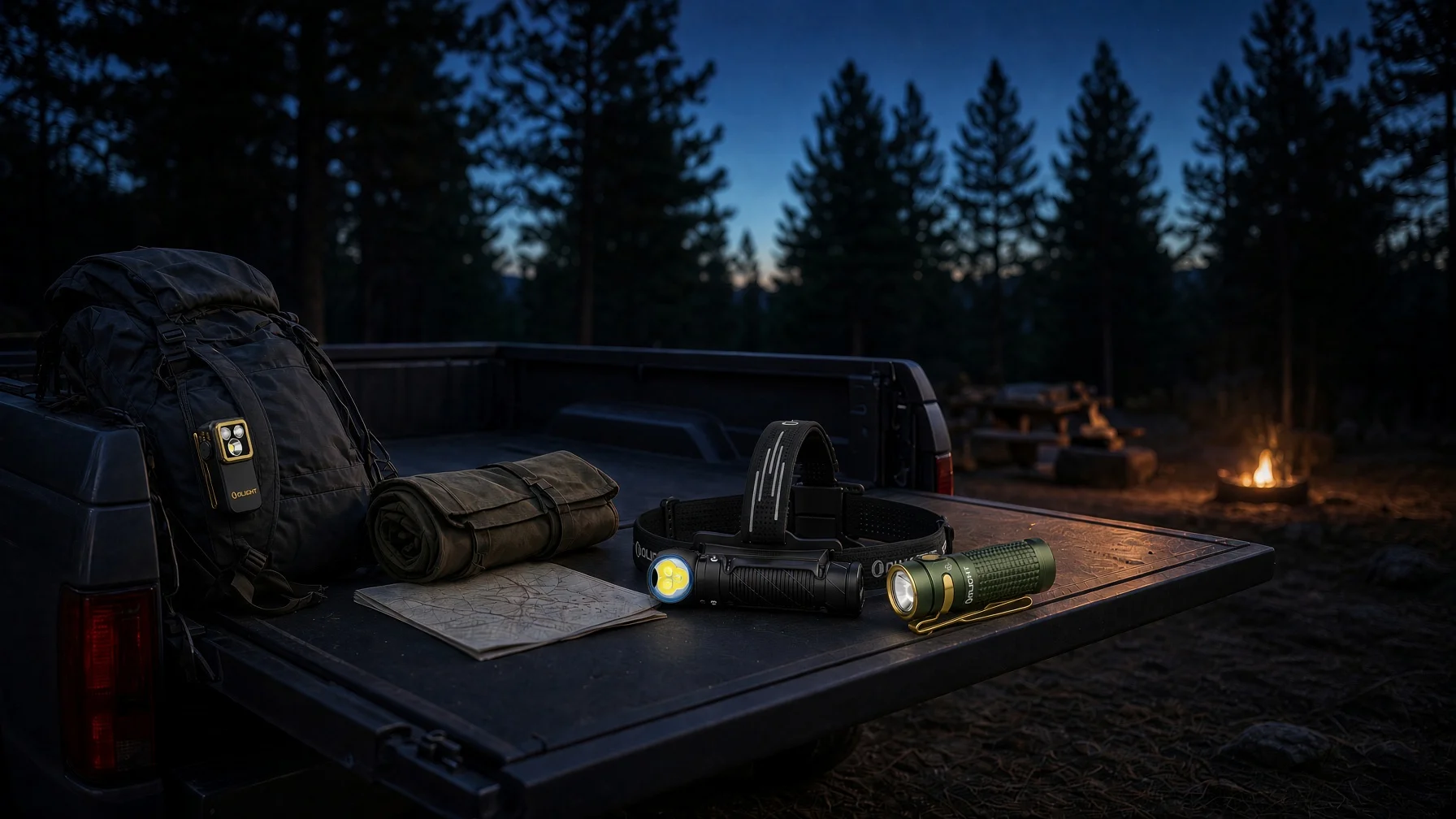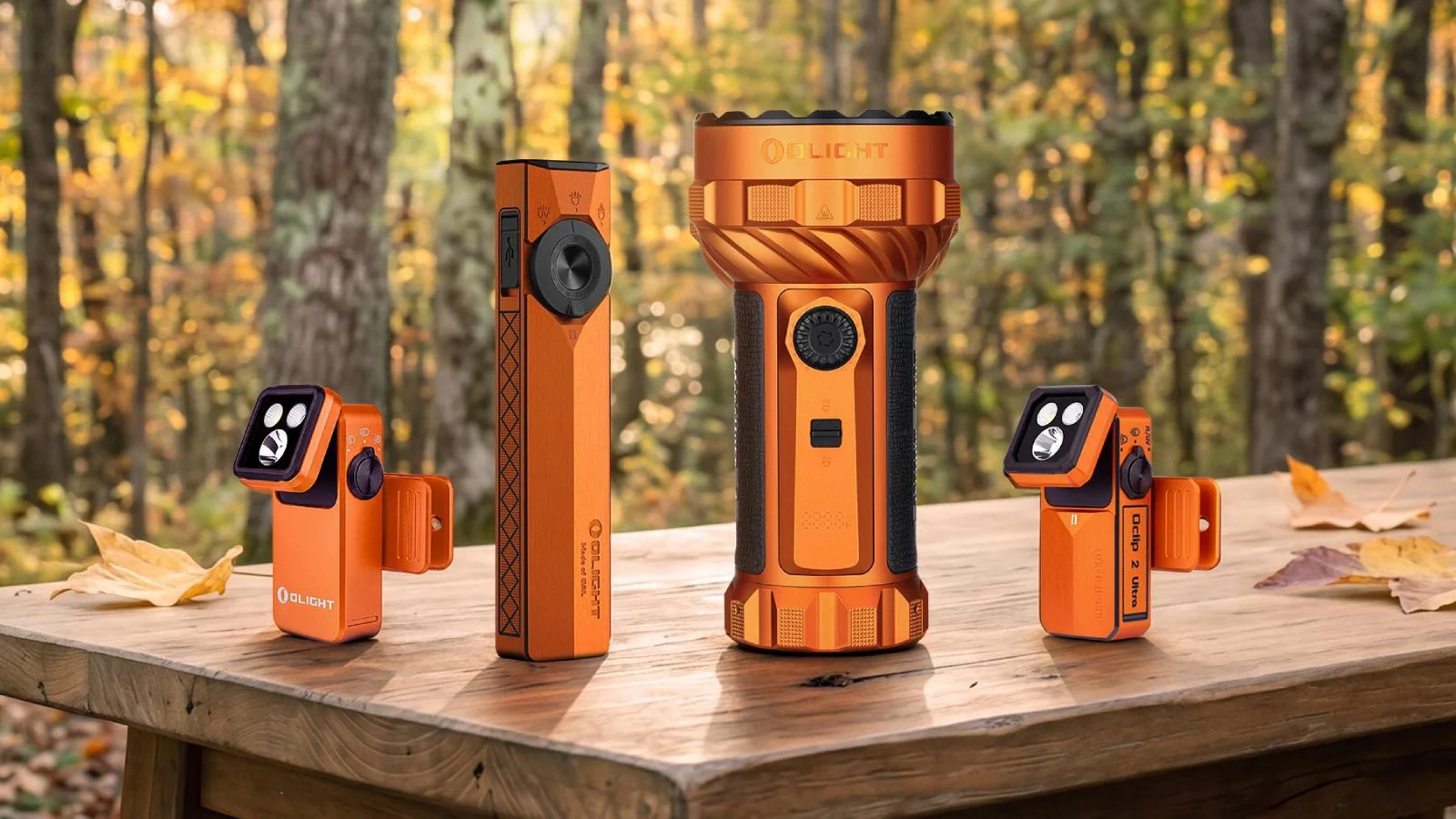
Smartphones are convenient for almost everything, including quick illumination. A few taps can turn your phone into a light for finding something under the couch, walking through a dark hallway, or checking the driveway.
But when the power goes out or you need light for an extended task, your phone may not be the best tool to depend on. Your battery may also be needed for calls, messages, navigation, weather alerts, and emergency information.
If your phone flashlight not working problem appears suddenly, there are several simple troubleshooting steps worth trying. At the same time, keeping a dedicated flashlight in your home, vehicle, or everyday carry setup gives you a separate source of light when your phone is unavailable.
FEMA's emergency supply checklist specifically recommends a flashlight and extra batteries, reinforcing the role of dedicated lighting in basic emergency preparedness. (Source: FEMA Ready.gov)
Why iPhone Flashlight Is Not Working
If you are searching for iPhone flashlight not working, start with basic hardware and software checks before assuming the LED has failed.
Apple recommends removing cases, films, or accessories that may interfere with the camera or flash, testing the LED flash from Control Center, restarting the device, and updating iOS. If the camera or flash continues to malfunction, Apple recommends seeking service. (Source: Apple Support)
Check the Camera and Flash
Try taking a photo and activating the flashlight from Control Center. If the flash works intermittently, Apple also recommends checking the flash settings in the Camera app.
If you recently installed a magnetic accessory, metallic case, or camera attachment, remove it and test the phone again.
Check for Excessive Heat
Temperature can also affect smartphone operation. Modern phones use thermal protection to manage excessive heat, and Google notes that flashlight use can contribute to device temperature on Pixel phones.
If your phone feels unusually hot, stop using demanding functions and allow it to cool before trying the flashlight again. (Source: Google Pixel Safety & Regulatory Guide)
Why Android Flashlight Won't Turn On
Android devices face similar software and hardware challenges. If your android flashlight won't turn on, the open-source nature of the operating system introduces distinct variables, including app permissions and customized manufacturer skins.
Camera App Conflict & Third-Party Flashlight App Overrides
Like iOS, Android OS enforces strict hardware prioritization. If any app with camera permissions (such as Snapchat, Instagram, or a QR scanner) runs in the background, it can lock the camera module. Additionally, older third-party flashlight apps downloaded from the Google Play Store can conflict with the system’s native Quick Settings toggle, leading to unresponsive controls.
Missing Control Center / Quick Settings Toggle Errors
Android's customizable Quick Settings panel can occasionally glitch. Software updates or launcher crashes can cause the flashlight icon to disappear or freeze. Custom user interfaces (such as Samsung's One UI or Xiaomi's MIUI) can experience cache corruption within the system UI, which disables the quick-access tiles.
System Cache Glitches & Safe Mode Diagnostics
To determine whether a third-party app is causing your Android flashlight to fail, you can boot your phone into Safe Mode. Safe Mode disables all downloaded applications, running only the core system software. If the native flashlight toggle works perfectly in Safe Mode, a recently installed application is causing the conflict and must be uninstalled.
Quick Fixes Before You Replace Your Phone
Before assuming your phone needs repair, work through these basic steps:
Troubleshooting Checklist
- Restart the phone: Clear temporary background processes and cache.
- Check for updates: Install the latest iOS or Android system updates.
- Remove accessories: Take off magnetic cases, rings, or camera lens attachments.
- Test camera flash: Take a photo with the flash enabled to verify hardware operation.
- Use Safe Mode (Android): Rule out downloaded third-party app conflicts.
- Contact support: Seek official service if physical damage is suspected.
Apple specifically recommends restarting and updating iOS when the camera or flash is not working. Google similarly recommends restarting, checking updates, and troubleshooting downloaded apps on Android. (Source: Apple Support; Google Android Help)
For most users, these steps are enough to determine whether the problem is a temporary software issue or something that requires professional service.
When to Stop Relying on Your Phone Flashlight
A phone flashlight is convenient, but it was never designed to be your only source of emergency illumination.
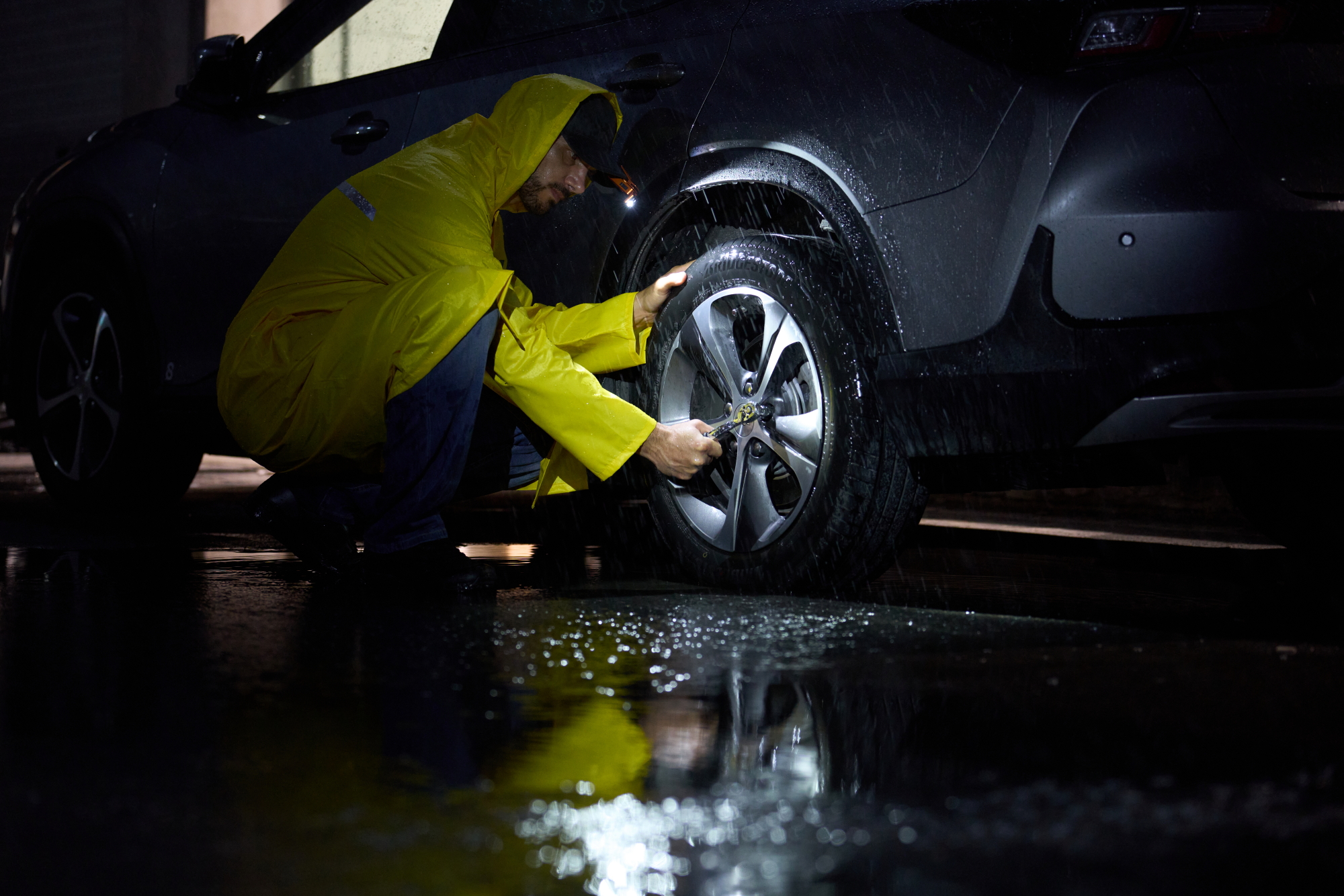
Your smartphone may be responsible for communication, navigation, weather information, and emergency alerts at the same time you are using its light. During a power outage or roadside problem, preserving that battery can be more important than using the phone as a continuous light source.
FEMA recommends keeping both a flashlight and extra batteries in an emergency kit. The U.S. Department of Energy also lists a flashlight and extra batteries among useful emergency supplies. (Source: FEMA Ready.gov; U.S. Department of Energy)
A dedicated emergency flashlight gives you an independent source of illumination while leaving your phone available for the functions that only a phone can provide.
Top 3 Reliable Alternatives to Replace Your Failing Phone Light
When looking for a best edc flashlight to replace your phone light, specialized hardware offers unmatched durability, brightness, and utility.
#1 Best Flat-Profile Daily Carry: Olight ArkPro Series
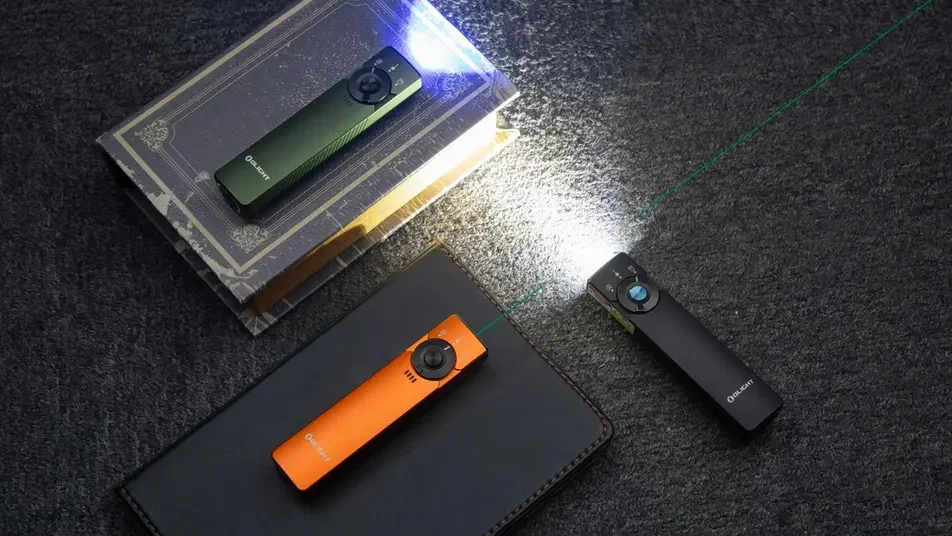
If you prefer the thin, pocket-friendly shape of a smartphone, a flat edc flashlight is the perfect solution. The Arkpro Ultra Premium Edc Flashlight delivers outstanding performance in a streamlined profile.
Key Advantages of the ArkPro Series
- Multi-Source Versatility: Features a 1,700-lumen floodlight, an 800-lumen spotlight with a 205-meter throw, a 365 nm UV light, and a built-in green laser.
- Extreme Durability: Constructed from Olight’s proprietary O-Aluminum, which is 1.73 times harder than standard aluminum alloys.
- Extended Runtime: Offers up to 14 days of continuous use in moonlight mode, ensuring you always have backup power.
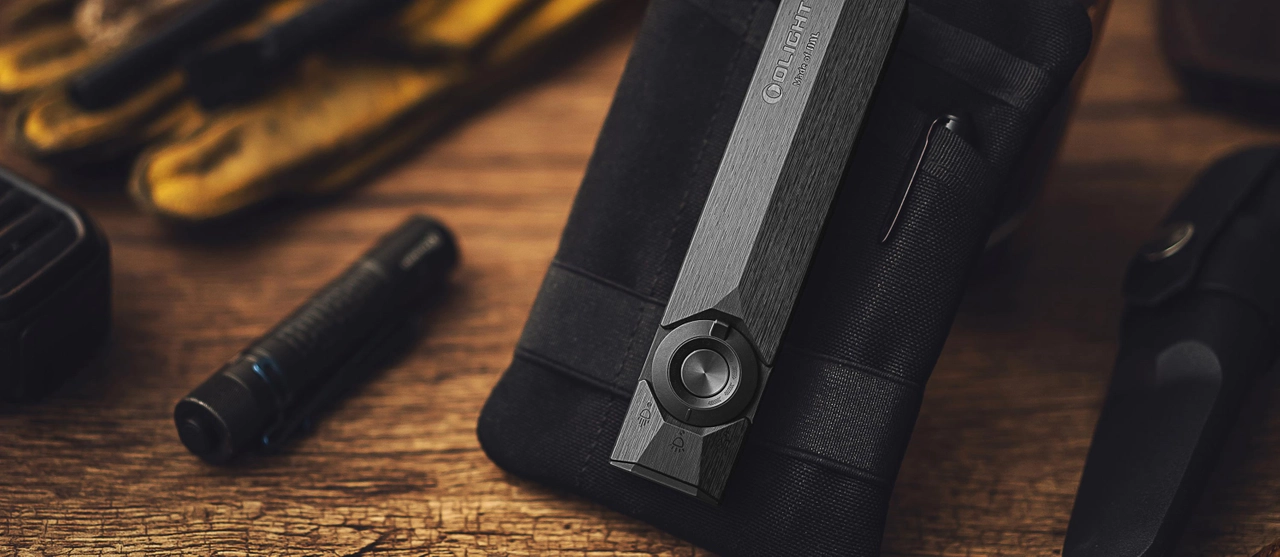
Olight Arkpro Ultra Premium EDC Flashlight
Key Specs: 1,700 Lumens, 205m Throw, multi-source lighting, UV & green laser in a slim flat profile.
Shop Arkpro Series →#2 Best Hands-Free Clip Light: Olight Oclip 2 Series (Pro / Ultra)
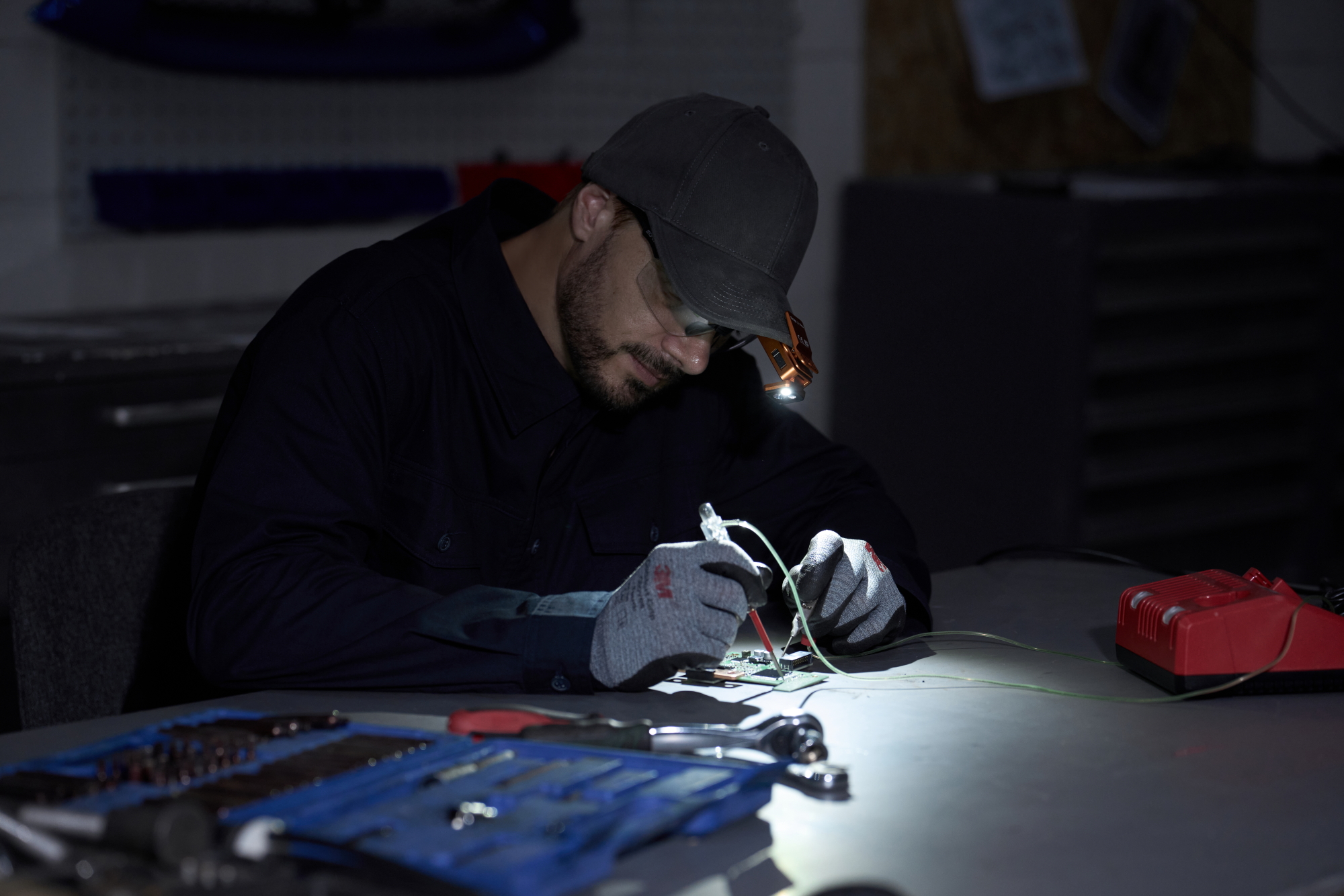
Using a phone flashlight requires you to hold it in one hand, which is highly inconvenient during repairs or emergency tasks. The Oclip 2 series provides hands-free convenience.
For a balance of spotlight and floodlight options, the Oclip 2 Pro features a 360-degree rotating clip and a 115-degree tilting head. It delivers up to 530 lumens of floodlight or a 125-meter spotlight.
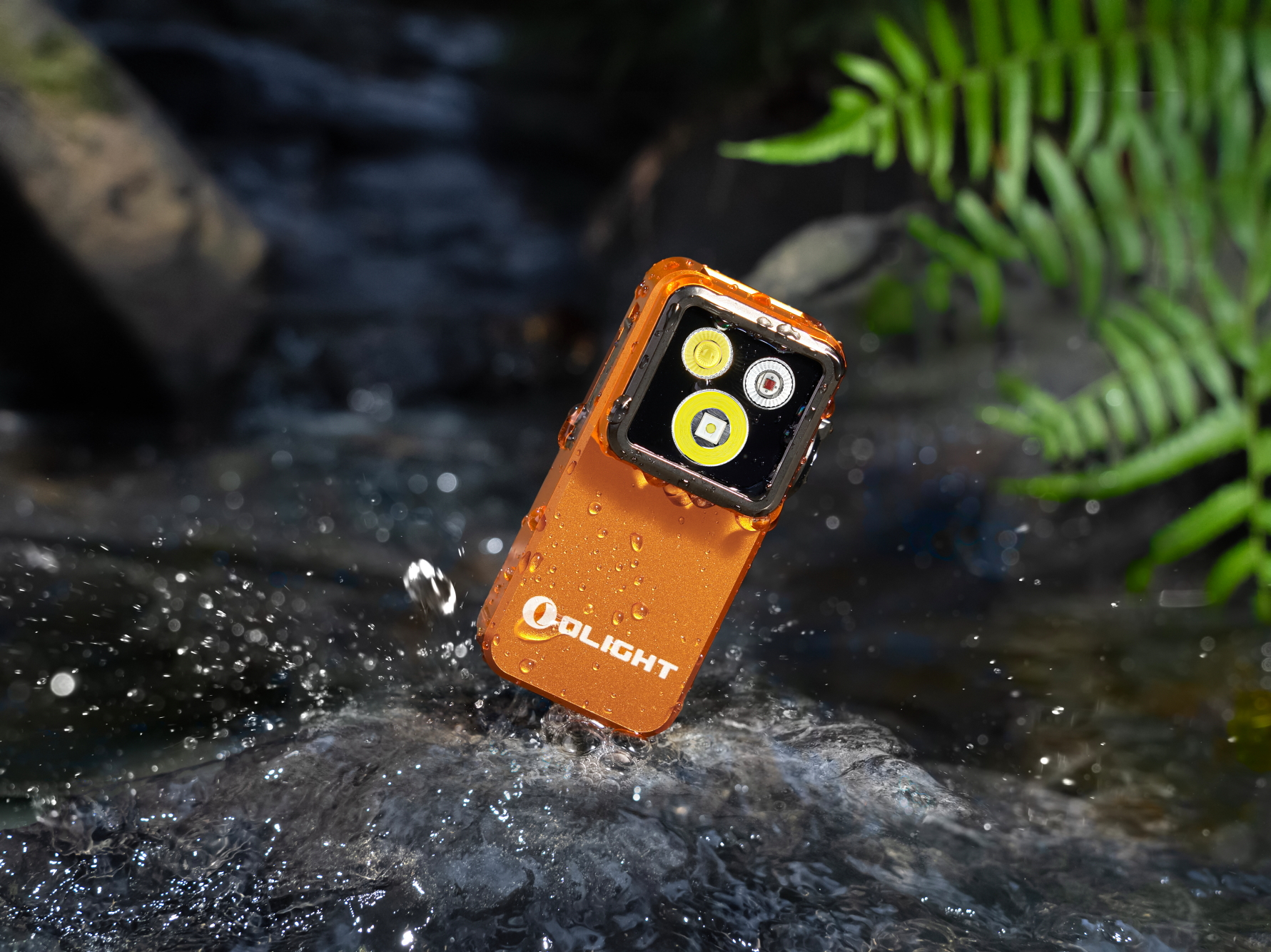
Olight Oclip 2 Pro Premium Clip Flashlight
Key Specs: Up to 530 Lumens, 125m Throw, 360° rotating clip & 115° tilting head for hands-free versatility.
Shop Oclip 2 Pro →If you need advanced inspection capabilities, the Oclip 2 Ultra includes an 800 mW UV light alongside its 580-lumen output and red light preservation mode. Both models feature integrated magnets and secure clips, allowing you to attach them to hats, straps, or metal surfaces easily.
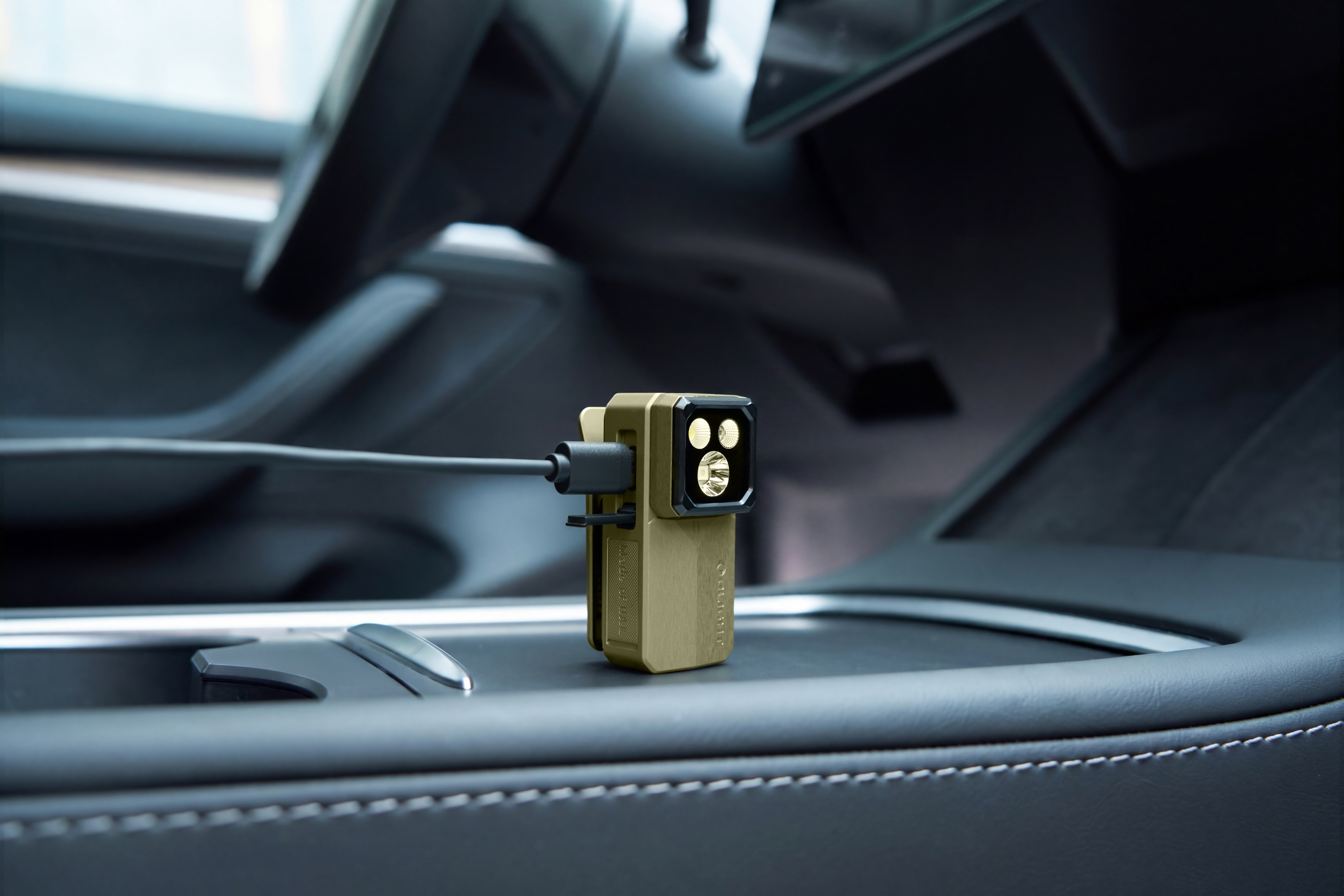
Olight Oclip 2 Ultra Multi-Source Clip Flashlight
Key Specs: 580 Lumens, 800 mW UV Light, red light mode & 360° rotating clip for professional inspection.
Shop Oclip 2 Ultra →#3 Best Home Security Guardian: Olight Baton 4 Pro
For emergency household lighting and home security, you need a robust, high-output flashlight that can withstand rugged use.
The Baton 4 Pro Compact Flashlight High Lumen is an ideal choice for emergency preparedness.
Key Advantages of Baton 4 Pro
- Powerful Output: Delivers up to 1,600 lumens and a 200-meter throw from a compact, 111 mm body.
- Dual-Switch Design: Features a side switch for quick brightness adjustments and a textured tail switch for instant access to Turbo or High modes.
- Dual Charging Modes: Charges via a convenient home magnetic port (MCC) or a hidden USB-C port for universal compatibility.
- Long Battery Life: Powered by a 3,500 mAh battery, it can run for up to 100 days in moonlight mode.
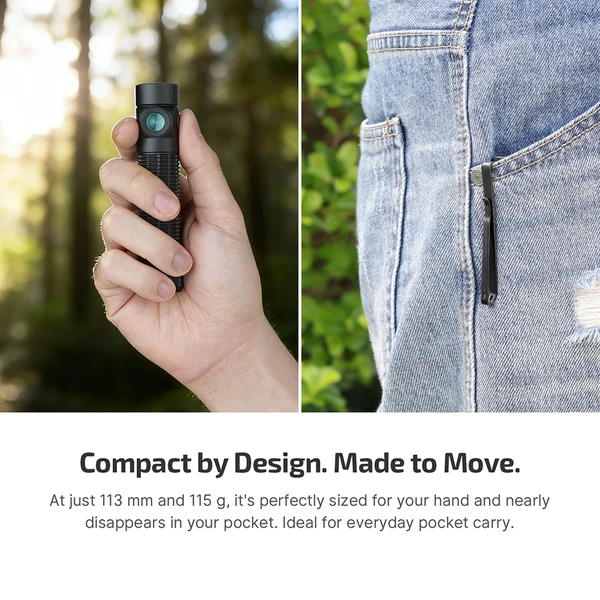
Olight Baton 4 Pro
Key Specs: 1,600 Lumens, 200m Throw, dual switches, and a 3,500mAh battery for whole-room illumination.
Shop Baton 4 Pro →FAQ (Frequently Asked Questions on Phone & Emergency Lighting)
Keep Your Phone Ready—and Keep a Dedicated Light Ready
A malfunctioning phone flashlight is often fixable with a restart, software update, accessory check, or app troubleshooting. But even when it works perfectly, your phone does not need to be your only source of light.
Keeping a dedicated flashlight at home, in your vehicle, or in your everyday carry setup creates a simple layer of preparedness. Your phone remains available for communication and information, while your dedicated light handles illumination.
FEMA recommends including flashlights in emergency kits, making a dedicated light a practical addition to basic household preparedness. (Source: FEMA Ready.gov)
Don't wait until the next blackout or nighttime emergency to discover your phone is out of battery. Choose a dedicated light now, keep it charged, and keep it where you can reach it.
Explore Olight's flashlight lineup and find a light for everyday carry, home preparedness, or emergency use.