TL;DR: Use a thermal imaging camera for building inspection to document surface patterns from places your facility has approved. Put the asset ID, operating state, weather, and a visible reference beside each image. Steam traps and rooftop units need comparable conditions. Send unresolved changes to the responsible technician for confirmation.
📋 Table of Contents
- 1. Where to use thermal imaging on a building route
- 2. What does thermal mean?
- 3. What is infrared vs thermal?
- 4. What do thermals look like?
- 5. Give steam traps and rooftop units different checks
- 6. Keep the conditions with each record
- 7. Decide who needs the observation next
- 8. Choose equipment for the observation and the route
- 9. Frequently asked questions
Where to use thermal imaging on a building route
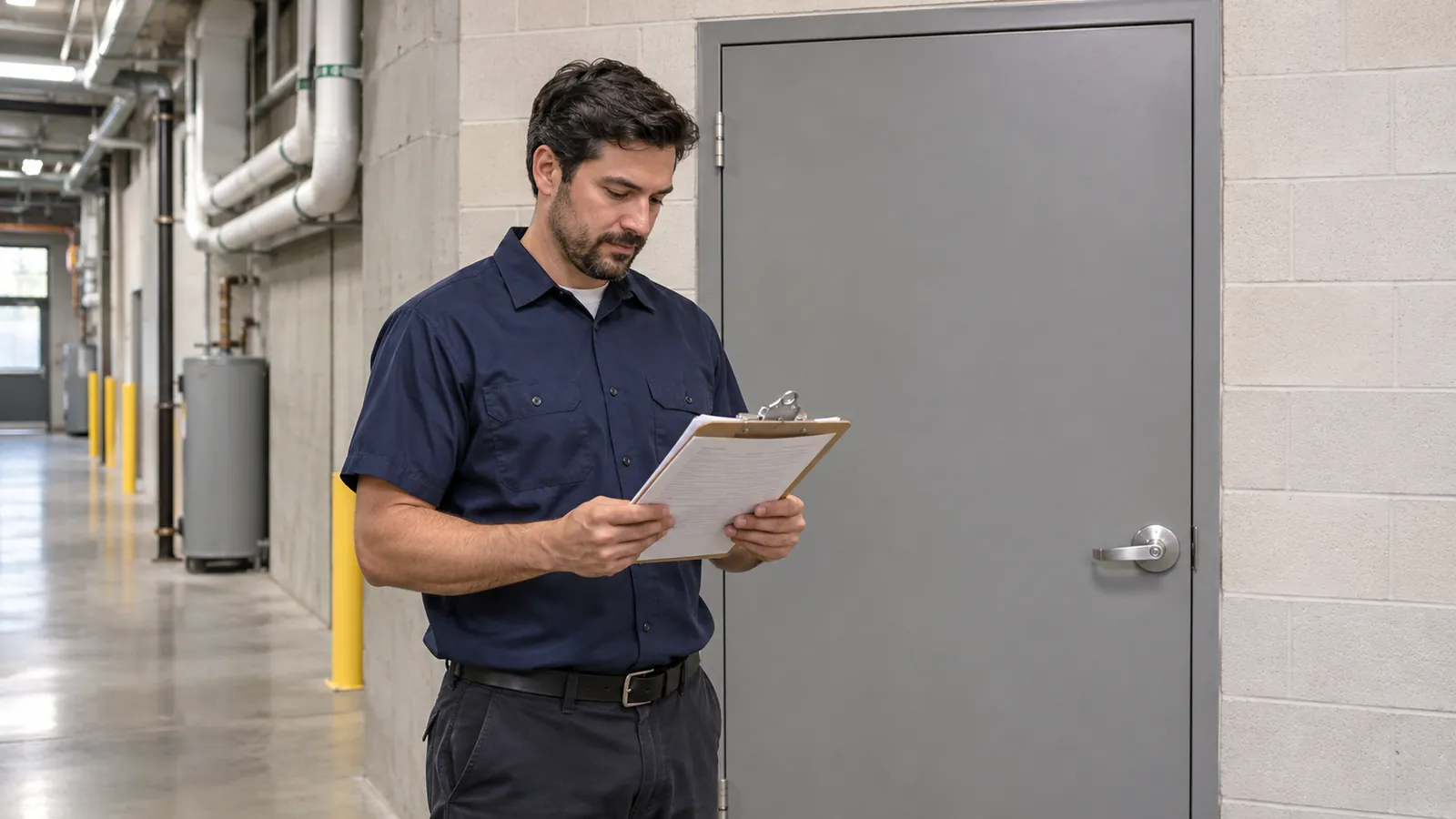
Give each stop a question the team can answer while standing in an approved place. A clear view of a rooftop unit can help a technician recognize which section was photographed. A view through a locked service door leaves no usable observation. For the second case, log an access request and keep moving. Follow the facility's established route and assignment, especially when a roof, electrical room, or operating steam system is involved.
| Route stop | What you can document from an approved location | When to hand it off |
|---|---|---|
| Steam distribution area | Asset label and a visible external surface already in the route | Unexplained change across comparable rounds, uncertain access, or unreadable label |
| Rooftop unit (RTU) | Visible housing and the location of a pattern, from a safe authorized point | Unit requires roof access, the view is obstructed, or operating state is uncertain |
| Exterior wall | Surface pattern tied to a visible seam, bay, or window and current weather | Pattern persists under comparable conditions or a building-envelope specialist requests a closer survey |
| Restricted service room | The door or equipment ID needed to request access | Any observation would require entry, an opened enclosure, or different authorization |
| Work order station | Asset IDs, matched photographs, operating-state notes, and the next owner | A record lacks enough context for a second person to find the same asset |
Walk through the route once with the building's asset list and current access notes. Confirm how the unit numbers are written on the equipment and in the maintenance system. At a site with several identical rooftop units, one may be labeled on a parapet-facing panel and recorded by a different name in the work order queue. Ask the site lead to resolve the mismatch before setting up a recurring record. Otherwise a clear picture can land in the wrong folder while the actual concern remains open.
Choose the starting question before pulling out a camera. A planned steam round might ask whether the outside of an accessible asset looks different from its own prior record. A rooftop observation might ask which visible panel should be reviewed by the technician who already has roof access. A single image will usually do more for either purpose if the record says where the person stood and how somebody else can find the same feature. Treat a missed view as a useful note when it shows the limits of the route.
Keep separate entries for an observation and for an access decision. A camera may fit easily into a pocket. The permission to use it changes from one site and job to another, including where a phone is permissible. A closed panel, barrier, warning sign, or instruction from the site lead tells you when to stop. Document the stop from the ordinary occupied side if the facility permits that too, then let the people responsible for the area choose the next step.
What does thermal mean?
In building inspections, thermal means related to heat or temperature. A thermal image can show parts of an accessible surface that appear warmer or cooler than nearby parts. A useful note identifies which surface you observed, which conditions were known, and who should interpret the pattern with the rest of the building information.
The Department of Energy guide to thermography describes building and equipment applications as part of its operations and maintenance guidance. Its thermography chapter starts with radiation from object surfaces. That starting point helps with a familiar problem. If a picture shows an apparent band over a wall opening, someone else needs to know whether the band is on paint, a trim piece, or a reflective fitting before deciding what it shows. Write down what you can identify in ordinary light, using the actual construction detail if it is visible.
A warmth or coolness difference can be ordinary for a component that serves a particular job. Two neighboring units that look identical may be operating on different schedules. An insulated or shaded surface may look different from a nearby exposed one. The apparent pattern gives the maintenance team something specific to review, while the reason for the pattern takes additional information. Tie each image to one asset and current conditions so the review can start there.
Temperature readings need additional care. The camera sees radiation reaching its detector. What arrives can depend on the material itself, reflected surroundings and the measurement setup. A fixed numeric cutoff applied to painted steel, polished metal, and a glass panel gives readers a level of certainty that these surfaces do not support. Follow the facility's approved measurement method when the assignment actually calls for a number. A route that collects observations can still do good work by showing exactly where an unexpected pattern was seen.
What is infrared vs thermal?
Infrared is a region of the electromagnetic spectrum beyond visible red. Thermal imaging is one use of infrared sensing. A thermal camera displays infrared radiation from surfaces as a view that a person can see and compare. A visible photograph and a thermal image provide different information about the same piece of equipment.
NASA's overview of infrared waves explains why our eyes do not see infrared directly. The camera presents it in colors or shades that make the differences visible. Use a standard photograph to show the equipment number, panel edge or fastener that anchors the view. This becomes especially helpful when a cropped thermal image looks like several pieces of equipment in the same room. Put both pictures into the same approved record so the link between them survives a change in personnel or software.
Different materials and surroundings can influence the thermal view. A metal housing can reflect infrared from another nearby surface. A glass door can block the information the team hopes to get from inside, even when the contents are easy to see in ordinary light. Record that you observed the exterior or the reflection when it matters. In the case of an electrical enclosure, keep it closed for the route and refer any requested internal inspection to the facility's authorized process.
Use a comparison that another person can understand. Ask whether both observations show the same area of the same asset and whether the asset was operating in the same known state. The equipment owner may remember a scheduled change that explains the apparent difference. Give the owner enough information to match the picture to that work. If the mode is unknown, it belongs in the record as an unknown. An assumption entered as a fact can make two observations look comparable when they are not.
What do thermals look like?
On a building inspection screen, a thermal image looks like a map of warm and cool areas in color or grayscale. Check the palette and range beside the image. A bright spot on one image may represent a different apparent temperature from an equally bright spot on another. Compare the scale and conditions before comparing colors.
Imagine framing the side of a stationary unit from the same safe location on two visits. An automatic range may change the way the whole frame looks if a warmer object enters one corner. The area you care about can move from yellow to orange even when the visible feature and the operating context look similar. A saved image with its scale helps the next person see whether the change represents a new reading or a different display setting. If the scale is missing, say so in the record.
The most helpful frame usually contains a few recognizable lines from the equipment itself. Retain enough context to locate the panel for the next visit. A readable label in an adjacent visible image can resolve which of two similar units appears in the thermal record. Keep the original images in the workplace's designated system. If someone needs an annotated copy, they can mark the area of interest while the original remains available for the qualified reviewer.
When you select a palette, think about the person viewing the record. A grayscale view can make a band easier to follow in one case. A color view can make the scale easier to spot in another. Once the team has agreed on a comparable view, record that choice and keep the legend. Bright colors can also make a minor difference look urgent. Follow the site's escalation criteria and describe the observation in words that another person can match to the image.
Give steam traps and rooftop units different checks
Start the steam portion of a facility route by reviewing its current equipment records and safe access. The Department of Energy steam trap fact sheet treats trap inspection, testing, and follow-up as part of a maintenance program. An outside observation is one way to add location and context to the maintenance record. Let the site decide who can work around its steam distribution system and who will diagnose a trap using the approved method.
A useful steam entry names the trap from the site list and identifies the surface that appears in the picture. It can note a known shutdown or unusual demand if operations staff confirm it. Keep the material and the viewing location visible where possible, because an exposed fitting and nearby insulation will give different viewing conditions. When a reading comes from a replacement unit, start a new baseline if the site's program calls for one. A trend is useful when the equipment identity stays reliable over time.
If the available view is poor, write down why. A barrier can block the label. Several pieces of lagging can look alike. A neighboring line could stand between you and the feature. Those are reasons the assigned technician may plan a different visit using authorized access or a different diagnostic method. Leave tags, valves, insulation, and covers in place. The next person benefits more from a clear statement about what you could see than from a close picture gathered by stretching beyond the agreed route.
An RTU is a rooftop unit. On many facility routes the useful first step will be reading the building plan and deciding whether there is a safe approved exterior view. If there is one, check the visible identifier and record the exposed side. If the view is only possible from the roof, assign the observation to staff with the required access. Put the location and any roof-access restriction in the handoff so a colleague receiving the record can plan it correctly.
For an RTU record, the team may know whether a unit was in heating, cooling, standby, or a scheduled shutdown. Use information supplied by a permitted source, such as the current work order or the operator responsible for the equipment. Keep time, outdoor conditions, and shadows or sun exposure with the view. Where the surface was wet after a shower, a dry baseline deserves a separate label. Making these notes lets the reviewer compare the conditions before guessing at a fault from two different looking pictures.
Other heating and cooling jobs need a different framing decision. The Olight guide to thermal imaging for HVAC covers coils, line sets, and radiant floors. That guide can help readers recognize when their question concerns those specific components. The recurring building route has a separate job. It locates observations on traps and rooftop housings and moves the record to the people authorized to verify them. You can use both records while keeping their equipment and scope distinct.
Keep the conditions with each record
Create a short standard entry with room for exceptions. The person doing the walk should be able to enter it at the normal workstation after the round. A shift lead should be able to follow it without guessing what an abbreviation means. Use the ordinary asset name your site already uses, and keep the original visible and thermal files in the designated location with the record number.
| Field | What to keep | Example entry format |
|---|---|---|
| ID and surface | Asset number, specific face or area, visible reference | RTU-12, north-facing exterior panel, label in visible image |
| Time and exposure | Local date and time, recent weather, sun, shade, wet or dry surface | Morning route, shaded exterior, visibly dry |
| Operating state | State, known load context, and who or what confirms it | Standby reported at shift handoff |
| View and display | Authorized position, relative framing, palette and range if recorded | Approved service lane, left panel seam, scale retained |
| Images and limitations | Visible reference, thermal original, anything blocking the view | Pair attached, right edge behind screen |
| Next action | Owner and existing work order number, or reason for deferral | Refer to assigned HVAC technician for review |
Pick the common view from a stable, approved location that can remain in use when the building is occupied. A route reference such as a marked service lane or a wall number is easier to follow than a diagram of where somebody happened to stand. Photograph enough of the surrounding equipment to place the observation. Follow the facility's rules for photos in public, tenant, and security areas, including who can see the files. The record can still use an ID and words when an image is prohibited.
If the team needs another visit, attach the previous original so the new observer can recover the frame without collecting extra images along the way. The team can keep the same palette and scale when its approved method calls for it. Changing the angle or viewing a different surface may make a fresh image useful as a second view. Label it accordingly so the work order can separate the alternate view from the recurring one.
Some round notes are worth writing in normal words before looking at a color display. Include an unusual operating schedule or a surface that was visibly wet. If one side of a building was exposed to direct sun and the last visit was on an overcast morning, tell the reviewer which comparison changed. Work backward from what the person receiving the record needs to know. A few well chosen facts can be more informative than an attachment full of unexplained spot markers.
A team can give deferrals their own status in the route log. For example, a note might say that the exterior view was blocked by temporary scaffolding and the asset needs a follow-up when the work area is released. That entry gives the next shift a usable reason without inviting anyone to find a way around the barrier. It also lets a route supervisor distinguish inaccessible stops from entries that were simply missed.
Decide who needs the observation next
A useful route ends with someone responsible for the next action. For a small facility that person may be the building engineer. A larger site may assign separate owners for steam, HVAC, electrical equipment, and the building envelope. Pick the owner from the work order system before closing the inspection entry. Record what the person needs and whether the site expects a comparable repeat observation, an authorized diagnostic visit, or a maintenance review.
Where an equipment question involves electricity, use the site's electrical safety program. The 2025 annual CFR edition of OSHA's electrical safe work practices rule describes when parts must be deenergized and who may work on exposed energized parts under the rule. This building route stays on the ordinary access side of any restricted equipment. If confirming a finding requires opening a cabinet or approaching exposed equipment, refer it to the facility's qualified personnel. Follow current applicable requirements and the site's work rules. NFPA's overview of workplace electrical safety explains the role of a documented electrical safety program.
An unusual view does not need a guessed diagnosis in the ticket. Consider a training example where the notes show a different exterior pattern on RTU-12 than a dry baseline, but the unit state was unknown. The work order can state both facts and give the assigned technician the paired views. Request a review under the site's procedure. That phrasing gives the technician something to investigate without causing a second shift to treat an unconfirmed fault as established.
Treat a visible unsafe condition according to your existing reporting rules. Step away from the area and make the report as directed. A camera record can wait. In routine cases, the site can also set clear ownership for repeated patterns, such as a comparable sequence across several documented rounds. A good handoff can describe the sequence in a sentence, identify the relevant records, and preserve the next step assigned by the facility.
Think about how the process will work when the regular observer is away. If the relief person has a route map, the approved stop list, the asset ID format, and two examples of acceptable records, they can continue much of the work without guessing. Tasks that require special training or permission still belong to the appropriate person. Where a route has grown complicated, remove stops that produce the same information as another routine check and make room for the entries that help maintenance decisions.
Choose equipment for the observation and the route
Choose a camera for the details you can actually observe under the site's approved access. A team reading paint patterns along an exterior wall may care about an identifiable area and a clear visible reference. A different team may need reporting features or a measurement method set by its written inspection program. Check framing and file access with the device and approved software before adding it to recurring work. A basic equipment check at the workstation can confirm that the files open in the place where the next person will look.
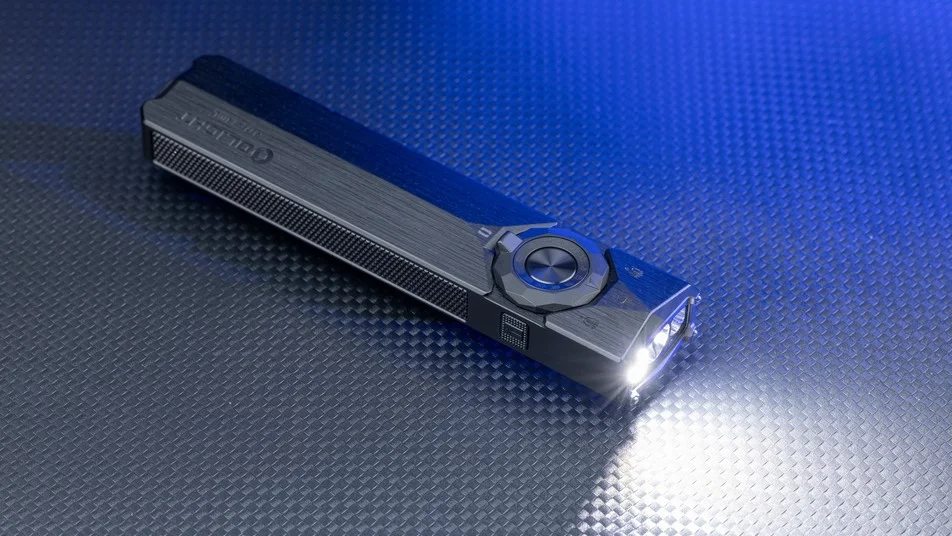
For visible reference work, an ordinary flashlight can help read a label in a permitted, nonclassified room when there is no convenient task light. Use a level that lets you see the print without excessive glare and keep the beam away from nearby people's eyes. If you need two hands at a designated workstation, a headlamp is another choice for visible light. Use the building's fixed lights and follow the site's requirements where it specifies equipment.
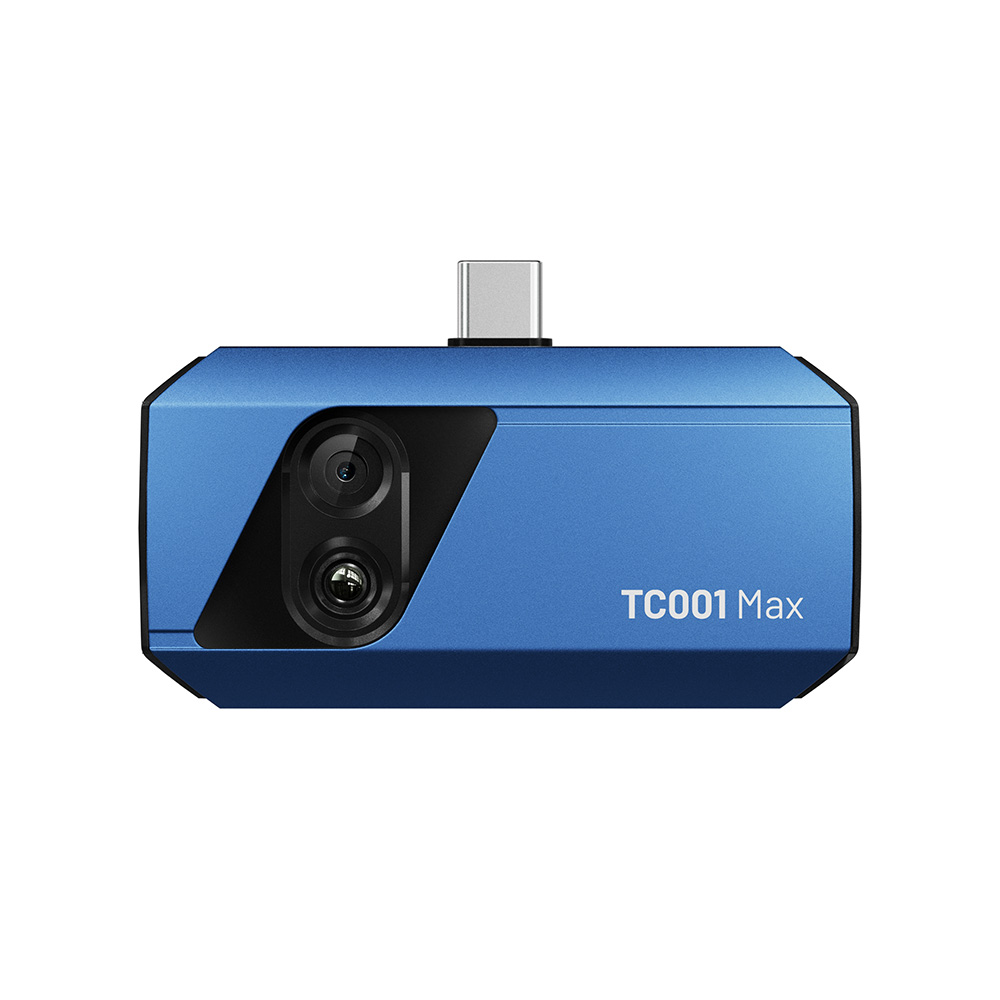
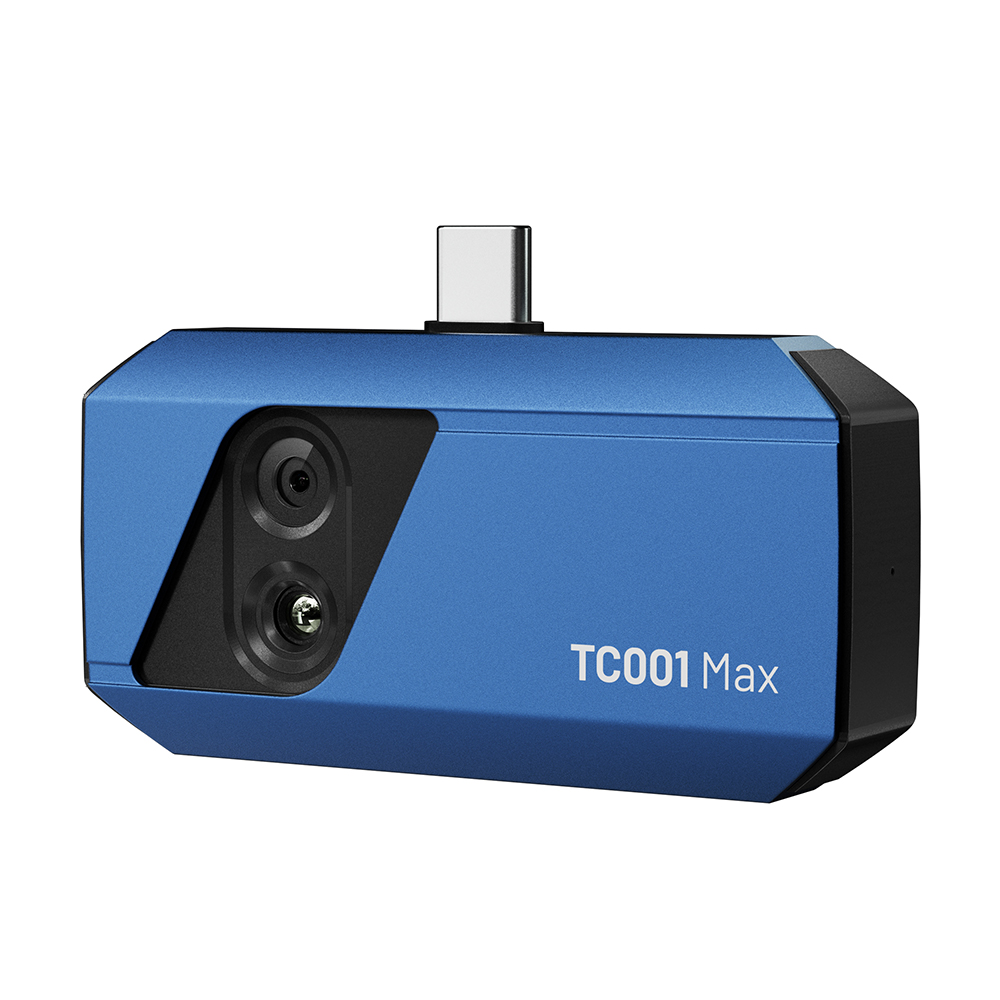
The angled product image shows the separate visible-light and infrared lenses.
Check the connection and viewing position using an ordinary accessible surface that the facility permits you to photograph. The manual identifies separate visible-light and infrared lenses. It also limits the thermal view to surfaces and says the camera cannot see through glass or other listed materials. The two lenses give you a way to recognize what each view records. They do not give you access to what is inside a cabinet, behind a wall, or on the other side of a window.
The camera manual calls for keeping the unit away from water. If the only view requires exposure to rain, leave that stop for the facility's approved inspection arrangement. A diverted observation route is also an opportunity to improve the handoff note. Record why there was no image and which follow-up the facility has authorized. A missing attachment is manageable when the person assigned to the item has a clear description of the limit.

An approved portable light can make a tag legible after the normal route lighting gets you to a safe stopping point. If a glossy label reflects the beam, you can use another permitted light position without changing where you stand or touching the equipment. When the text still cannot be read from that safe location, ask for the asset ID through the maintenance list or have the site confirm it. This keeps the lighting choice in its proper role on the route.
For a shared kit, store each device with its assigned charger and any required adapter. Put the station name on the storage bin and give the next shift a simple way to report a missing part. Follow each manual and approved workplace charging arrangements. Checking equipment in the ordinary work area also gives your team time to notice a damaged attachment or a blocked software permission before anyone sets out. Keep the inspection route usable when a device is out of service by retaining an approved manual reporting option.
Frequently asked questions
Changelog
- November 19, 2026: Checked the DOE, NASA, NFPA, and annual CFR references, the two U.S. product pages, and all three original product images.