⚡ TL;DR
Which thermal imaging camera is best depends on the job. For documenting accessible home surfaces, start with a compatible phone-connected imager. For stationary outdoor observation through an eyepiece, start with a thermal monocular. Consider a separate screen-equipped camera when you want an inspection workflow independent of a phone, then verify that model's functions.
| Your priority | Format to consider first | Main purchase question |
|---|---|---|
| Record a nearby wall or window area | Phone-connected imager | Will the exact phone, connection and software support your record? |
| Observe an outdoor area from a permitted position | Thermal monocular | Do the view, eyepiece and control layout suit observation? |
| Keep inspection equipment separate from a personal phone | Camera with an integrated screen | Are its measurement and file functions appropriate for the work? |
| Investigate one consequential property concern | Professional assessment | Who will interpret the image and verify the cause? |
Our OSelect collection includes products from partner manufacturers. The two examples here, TOPDON TS004 and TC001 Max, are TOPDON products offered through OSelect. Their published specifications help explain different purchase decisions; neither format is a universal winner.
📋 Table of Contents
- 1. Choose a Thermal Camera by the Question You Need to Answer
- 2. Phone-Connected Imagers, Screen Cameras and Thermal Monoculars
- 3. TOPDON TS004 and TC001 Max: Read the Specifications in Context
- 4. Home Use: Frame an Accessible Surface and Preserve Its Location
- 5. Noncontact Maintenance Observation Has a Clear Access Boundary
- 6. Outdoor Observation: Evaluate the Eyepiece and the Whole Viewing Routine
- 7. Field of View Changes the Job More Than the Pixel Count Alone
- 8. NETD, Accuracy and Frame Rate Answer Different Questions
- 9. Compare Thermal Images Under Comparable Conditions
- 10. Phone Compatibility and File Handling Can Decide the Purchase
- 11. Build a Useful Thermal Observation Record
- 12. Make a Thermal Camera Shortlist You Can Actually Use
- 13. FAQ
Choose a Thermal Camera by the Question You Need to Answer
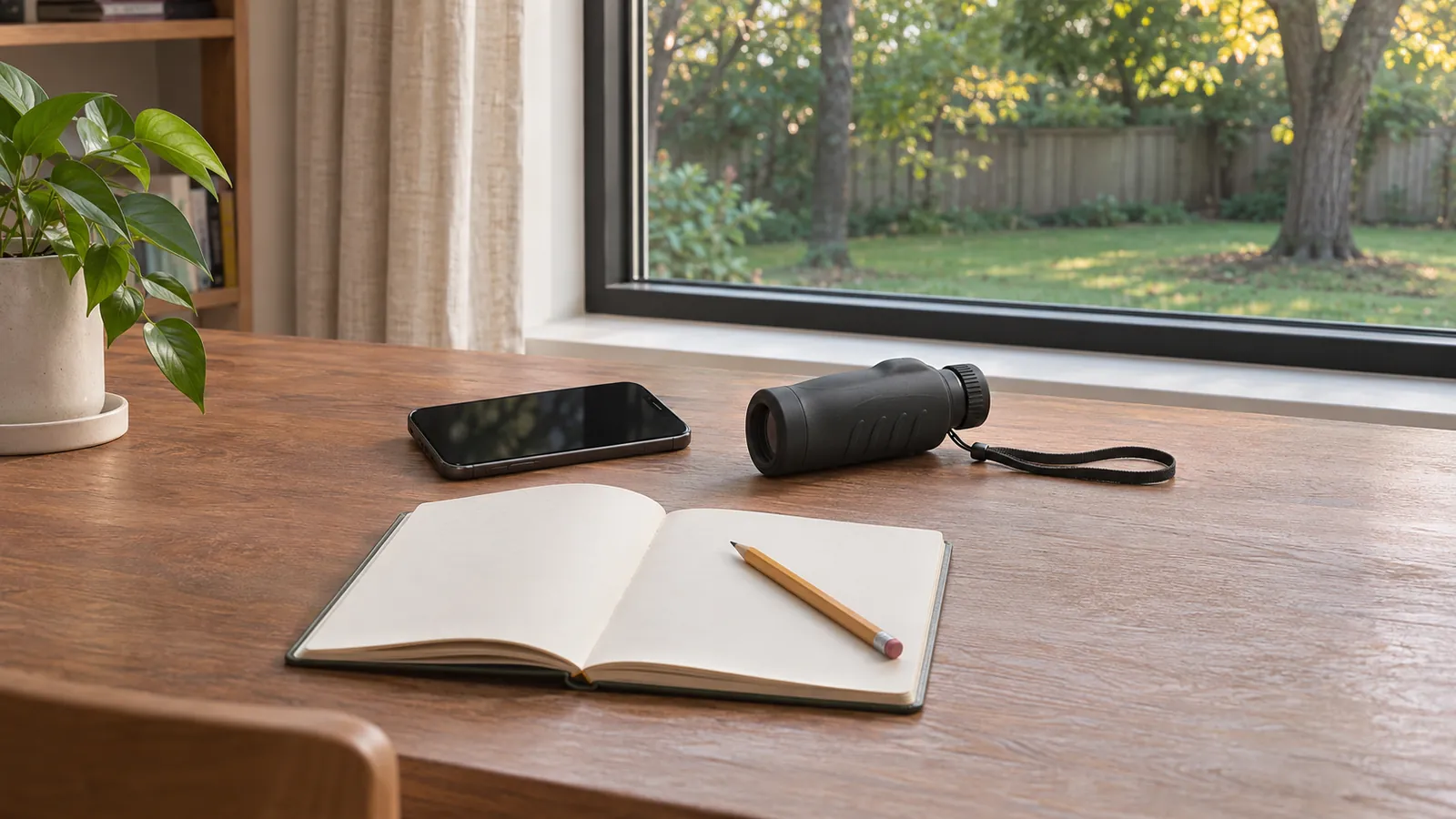
Write the intended result before making a model shortlist. “I want to document the surface pattern around this window for a contractor” is more useful than “I want the clearest thermal picture.” It identifies a nearby subject, a record that needs context and another person who will interpret it. That favors a screen you can review and a file workflow you can explain.
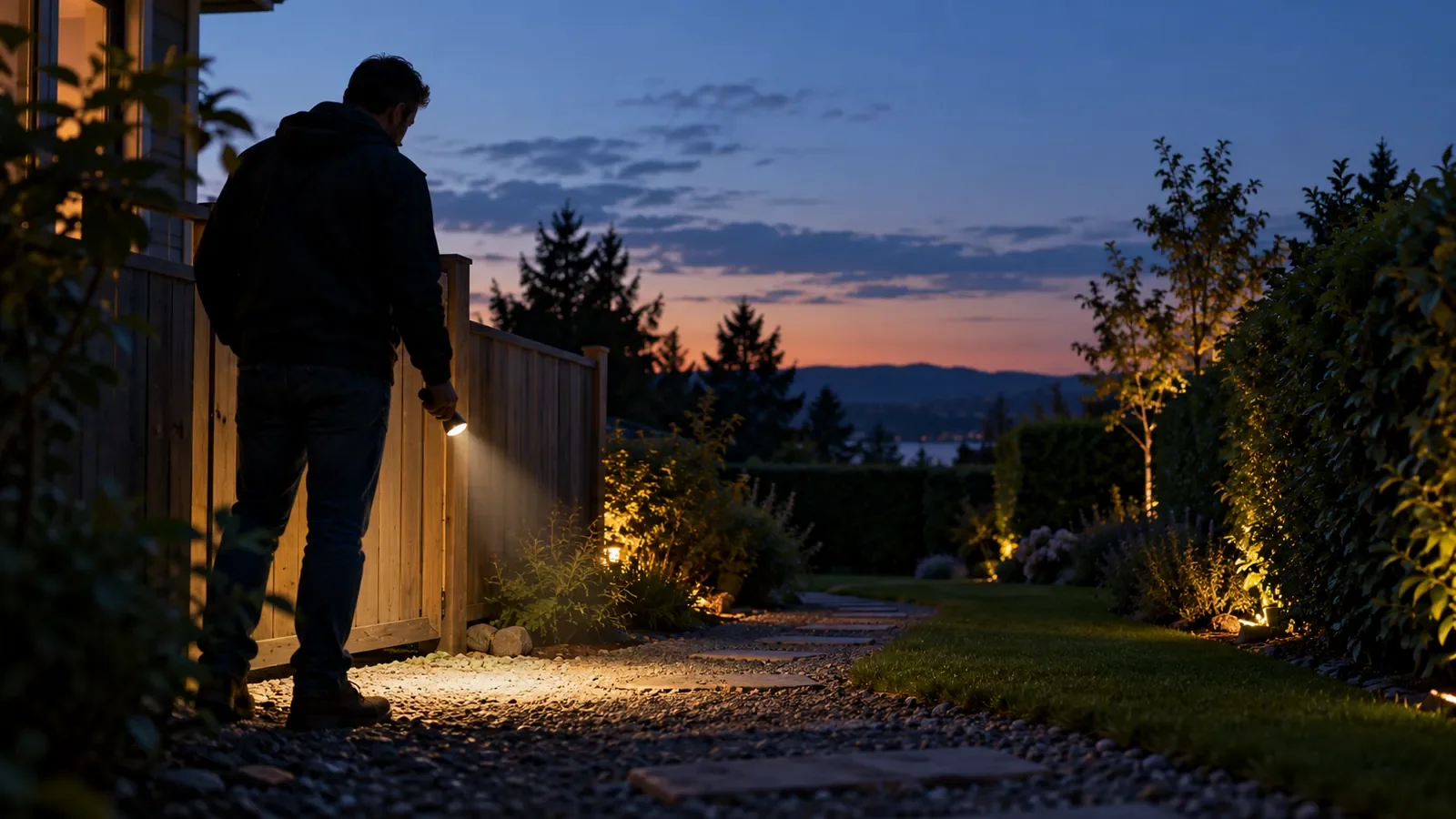
An outdoor observer might instead want to notice a temperature contrast across an open area while standing at an established viewing point. That task puts more weight on the eyepiece, framing, controls and independent power. Taking an image for later review may matter, but it is a different requirement from measuring and annotating a nearby surface.
Separate three possible outcomes: noticing a pattern, documenting it and establishing its cause. A device can support the first two without answering the third. A suspicious area in a wall still needs appropriate verification. An outdoor heat signature still needs identification in context. Buying more sensor pixels does not eliminate either step.
We recommend giving each candidate a short acceptance question. Can you find the controls you need? Can you retain the relevant view? Can the intended recipient understand where the image came from? A purchase becomes easier to defend when its strengths answer those questions instead of competing for the largest number on the page.
Phone-Connected Imagers, Screen Cameras and Thermal Monoculars
A phone-connected thermal imager uses another device for its viewing and software workflow. The small accessory can be convenient if you already have a compatible phone and want to review an accessible surface on that screen. However, the working system includes the camera, connector, phone and software together. The accessory alone cannot establish that the setup will work for your household or team.
A thermal camera with an integrated screen keeps its basic viewing hardware together. When considering that category, check the particular model's measurement tools, image storage, export options and power arrangements. A built-in screen does not automatically imply better temperature accuracy or more useful reporting functions. Those are separate features that need their own evidence.
A thermal monocular puts an eyepiece at the center of the interaction. It suits a viewer who wants to look into a separate instrument rather than frame everything on a phone. The arrangement changes how you hold, view and operate the equipment. It does not turn the displayed thermal scene into ordinary vision or make it suitable as your only guide while moving.
These categories can overlap in connectivity and recording features. A monocular may connect to a phone, and a screen camera may support software analysis. Ask what is needed for the basic task and what is optional afterward. A phone used to transfer an outdoor recording has a different role from a phone required to display the image in the first place.
TOPDON TS004 and TC001 Max: Read the Specifications in Context
The TOPDON TS004 thermal monocular has an integrated display and battery. The TOPDON TC001 Max thermal imager works with a compatible mobile device or Windows computer. Begin with that difference before comparing their individual imaging specifications.
| Published specification | TOPDON TS004 | TOPDON TC001 Max | What it helps you compare |
|---|---|---|---|
| Infrared sensor resolution | 256 × 192 | 256 × 192 | Underlying thermal image dimensions |
| NETD | Below 40 mK | Below 40 mK | Listed thermal sensitivity, subject to measurement conditions |
| Image update rate | 50 Hz | 25 Hz | Published update frequency rather than identification ability |
| Lens focal length | 13 mm | 3.2 mm | Optics, read together with field of view |
| Field of view | 13.5° × 10.10° | 56° × 42° | How much of a scene is framed |
| Basic viewing arrangement | Integrated eyepiece/display | Compatible connected device | The hardware needed to see the image |
| Relevant listed features | Video recording, 32 GB storage, Wi-Fi | Temperature measurement tools, Dual Fusion, TISR support | Functions to verify against your particular task |
These are manufacturer-listed specifications checked on November 5, 2026. The equal infrared resolution does not make the two systems interchangeable: their fields of view and working arrangements differ. Conversely, a higher update rate does not make a monocular the better tool for documenting a nearby wall.
TC001 Max lists image-processing support under TISR. Keep that separate from its 256 × 192 infrared sensor. Likewise, the TS004 listing's 800 × 600 display describes the screen, not a larger infrared detector. Before comparing image sizes, establish whether each number refers to the sensor, display or processed output.
Home Use: Frame an Accessible Surface and Preserve Its Location
For home use, a phone-connected imager is a practical starting point when your priority is recording accessible surface patterns and keeping them with ordinary notes. Consider how easily you can include a recognizable boundary, review the picture and explain which room and surface it represents. A visually impressive close crop can lose the context another person needs.
For example, a homeowner might want to discuss a patch beside a window with an energy assessor or contractor. An ordinary photograph showing the whole window and a separate thermal view of the relevant area provide different information. Label the room, side of the opening and observation time. Keep the visible scene available rather than assuming a colored thermal patch will be self-explanatory.
A suspected water problem requires the same restraint. A surface pattern does not identify water, show the route of a concealed leak or establish that a hidden space is dry. Do not open a wall or move into an unsafe area to improve a picture. Preserve your observations and ask the appropriate professional what verification is needed before deciding on a repair.
TOPDON's TC001 Max manual says the device measures surface temperatures and cannot detect heat through glass, acrylic, water or opaque objects. It also warns about strong light and reflective surfaces. This means a home-use purchase needs an interpretation plan as well as a convenient screen. A useful image starts a better question; it does not name the answer automatically.
Noncontact Maintenance Observation Has a Clear Access Boundary
For maintenance questions, choose the observation task you can carry out from a safe, permitted position. A consumer camera does not authorize access to hazardous equipment. Homeowners should not remove electrical panel covers, expose wiring or approach damaged equipment to obtain an image. Electrical assessment belongs with a qualified professional who can determine the appropriate procedure.
The purchasing question is what information the device can provide within that boundary. For an accessible exterior surface, you may want to record the location, normal operating context and visible surroundings for a technician. Avoid using a single displayed temperature as a pass/fail rule for an appliance or installation. The relevant limit, surface properties and operating conditions require a sound technical basis.
Temperature measurement features and thermal viewing features also deserve separate attention. TC001 Max lists center, hot and cold spots plus user-defined measurement areas. Those functions can help organize a permitted observation, but selecting a measurement box does not validate the material assumptions or diagnose the equipment. The person interpreting the record still needs the context behind the number.
If the task involves a consequential repair decision, ask the service provider what information they need before buying a camera. They may prefer to conduct the assessment themselves. That answer can change the whole shortlist: an owner who needs an occasional supporting picture and a professional responsible for an inspection report have different requirements.
Outdoor Observation: Evaluate the Eyepiece and the Whole Viewing Routine
An outdoor monocular deserves attention when your main task is observing from a stationary, permitted location. With TS004, the integrated display and battery provide a viewing arrangement separate from your phone. Its manual describes eyepiece adjustment, still-image capture and video recording. Consider whether that interaction suits your vision, carrying arrangement and expected observation sessions.
Think through an ordinary sequence: carry the device to a safe viewing point, stop, establish the visible surroundings, observe and then lower the device before moving. Your normal lighting, route awareness and communication equipment still have their own jobs. A thermal screen should not be your only way to judge obstacles, terrain or another person's position.
For wildlife observation or a missing-pet search, noticing a contrast is only an initial observation. Do not assume a shape is a particular species or your own animal. Solid obstructions can hide a subject, and a view through gaps is different from seeing through the material itself. A screen with no obvious signature does not prove that the area is empty.
Respect property boundaries and avoid disturbing wildlife to improve an image. Record only what you can observe responsibly, then verify the relevant detail through suitable ordinary observation. Our thermal monocular selection guide explains range terminology and optical parameters in more depth; the immediate purchase decision here is whether an eyepiece-centered workflow fits your job.
Field of View Changes the Job More Than the Pixel Count Alone
Field of view describes the angular area included in the image. In these examples, TC001 Max's 56° × 42° view is wider than TS004's 13.5° × 10.10° view. That is a framing difference, not a universal quality score. A wider view includes more surroundings from the same position; a narrower view includes a smaller part of the scene.
For a nearby wall, including an opening and its adjacent area can help preserve location. For an outdoor observer, the useful framing may be a particular portion of a more distant scene. The best choice depends on how you will locate the subject, keep context and inspect the detail you need. Do not select the narrowest or widest specification without naming the subject first.
The two listed focal lengths should be read with those fields of view. Focal length alone cannot establish the result across different camera designs. Native resolution, optics, focus, processing and the actual scene also affect what can be interpreted. Enlarging a displayed image is not proof that additional independent thermal detail has been captured.
Before buying, ask for relevant manufacturer examples that identify the model, distance and scene. A close indoor image and a distant outdoor image answer different questions, even if both look sharp on a product page. Favor evidence matching your intended framing over a larger screenshot with unexplained settings.
NETD, Accuracy and Frame Rate Answer Different Questions
NETD concerns the ability to distinguish a small temperature difference against noise under specified conditions. It is not the same as temperature measurement accuracy. Both example listings state NETD below 40 mK; that shared threshold does not establish identical performance in every scene. Keep the manufacturer's conditions in mind rather than converting the figure into a guaranteed visible difference at home.
Accuracy describes how a temperature reading relates to the measurement being made, subject to the instrument's specifications and conditions. A sensitivity figure cannot substitute for it. If a repair or inspection depends on quantitative readings, ask what measurement capability and verification the job requires. An outdoor viewing instrument should not be assumed to offer an inspection camera's analysis functions merely because it shows thermal contrast.
Frame rate addresses updates over time. The published 50 Hz and 25 Hz values distinguish the two products' update frequencies. They do not establish twice the useful identification detail, twice the observation range or a measured advantage for a particular moving animal. Display behavior, panning, subject motion and scene contrast also affect the experience.
When reviewing motion examples, ask for the original recording rather than relying only on a short edited promotional clip. Check whether it shows the device display or an exported file, which settings were used and whether playback speed changed. A paused frame cannot demonstrate how smooth the live view feels, and two unrelated clips cannot establish a controlled performance difference.
Compare Thermal Images Under Comparable Conditions
A fair image comparison begins with matching the question. For a wall, ask whether the record shows the same accessible surface and enough surrounding context. For outdoor observation, ask whether the subject, background and viewing position are comparable. If those inputs differ, describe what each image demonstrates separately instead of assigning a winner from appearance alone.
Keep thermal data distinct from visible detail added to a combined image. TC001 Max lists Dual Fusion mode. A combined view can help locate a thermal feature within a recognizable scene, but visible outlines are not additional thermal detector pixels. Ask to see the thermal view as well when the claim concerns thermal detail rather than ease of orientation.
Color choices need similar care. A bright red region is meaningful only with the palette and scale used for that image. Two pictures with different display mappings can make a similar pattern look dramatic or subdued. When a comparison depends on a displayed temperature, retain the scale and relevant settings instead of cropping them away.
Useful comparison material therefore includes the exact model, image mode, subject location, framing and environmental context. If those details are absent, the picture may still illustrate a feature, but it cannot settle every purchase question. We recommend listing the unanswered question explicitly and asking for relevant documentation before treating the image as decisive evidence.
Phone Compatibility and File Handling Can Decide the Purchase
Check the complete connection path before choosing a phone accessory. TC001 Max lists iOS, Android and Windows support, but a platform name is not confirmation for every device, operating-system version, case or connector arrangement. Identify your exact device and confirm the current manufacturer instructions for the hardware and software you intend to use.
The current package list includes a USB-C to Lightning cable and a USB-C extension cable. Compare those contents with the proposed setup before ordering another adapter. Consider whether the phone case obstructs a connection and how the assembly will be supported during ordinary use. Never force a connector or treat the small module as a handle for the phone.
Then ask how the record leaves the device. A screenshot, a video and a file retaining temperature information are different deliverables. Do not assume that every saved format preserves all measurement data or can be reopened in another program. Confirm the relevant software and export functions if your recipient needs more than a viewable image.
TS004 lists 32 GB storage, video recording, USB video transfer and Wi-Fi. Those features support a separate recording workflow, but still check how you will retrieve and organize the material. Keep file names and observation notes together. Before an important session, verify the ordinary capture-and-retrieval steps in a safe setting rather than discovering a missing file afterward.
For shared use, identify whose phone and account hold the records and who will retrieve them later. A household purchase can become awkward if the only compatible phone belongs to someone who is usually away. A work purchase needs an agreed place for the files and a clear handover when the operator changes. Include those access arrangements in the decision rather than counting a phone you cannot reliably use as available equipment.
Build a Useful Thermal Observation Record
A useful record lets someone understand both what the image shows and what remains uncertain. Fluke's thermal-imaging explanation describes converting infrared information into a visible thermal image. That distinction helps explain why an attractive display is only one part of a record: the reader also needs the subject and conditions behind it.
Give the location a plain-language identifier that will still make sense later. “Living-room window, left interior edge” is more informative than a camera-generated file number. Add the date, relevant visible conditions and what prompted the observation. Retain a normal photograph where appropriate, without assuming that two separately taken pictures line up exactly.
For a repeated observation, note changes that could affect interpretation: a different viewing position, sun on the surface, altered heating or cooling operation, or a changed image mode. Do not present a before-and-after color difference as a verified repair result when the inputs have changed. Consistent notes help a professional decide whether the comparison is useful.
Finally, separate the observation from your interpretation. “A contrasting patch appears beside the frame” records something the image shows. “The insulation has failed” adds a diagnosis. Preserve the former and seek the evidence needed for the latter. This habit is useful across both phone-connected and self-contained formats and makes your next conversation more productive.
Ask the recipient what they need to see before sending a large collection of files. A contractor may first need the affected room and a normal overview; an observation partner may need the position and sequence of a recording. Send relevant context with the selected file, and avoid sharing unnecessary pictures of people or private property.
Make a Thermal Camera Shortlist You Can Actually Use
Choose the form factor by the task you will repeat, then check the practical reasons it might fail to fit. For a household, the deciding issue may be shared access to a compatible phone. For a frequent outdoor observer, it may be comfortable eyepiece use and a separate power routine. For a professional, the required record and measurement procedure may take priority over either convenience.
| Buyer and task | Strong starting format | Resolve before ordering |
|---|---|---|
| Homeowner documenting accessible surfaces | Compatible phone-connected imager | Connection, context photographs, saved files and professional follow-up |
| Outdoor observer wanting an independent viewer | Thermal monocular | Eyepiece, field of view, controls, power and identification limits |
| User keeping work records off a personal phone | Integrated-screen camera category | Exact model's measurement, storage and export capabilities |
| Buyer facing one unresolved property issue | Assessment first | Who can verify the cause and advise on action |
We recommend comparing the complete arrangement, including the equipment you already own, the accessories actually required and the support path for the partner product. Do not transfer Olight flashlight warranty terms to a TOPDON thermal device. Review the exact listing and applicable manufacturer terms rather than assuming every item in a collection shares the same policy.
Support questions can be specific: which device connection is supported, where the current instructions are located and what files help explain a software problem? Keep the exact model and purchase information available. If the intended workflow depends on a particular export function, resolve that question before purchase rather than assuming a later update will add it. A documented answer is more useful than an expectation built from a similar-looking model.
Before placing an order, write one sentence explaining why the chosen format fits better than the alternatives. It should name a useful task, the relevant documented feature and a practical limit you accept. If the sentence only repeats resolution or price, revisit the workflow. The strongest shortlist connects the specification sheet to the image, record and decision you actually need.
FAQ
Changelog
- November 5, 2026: Product information and buying guidance reviewed.