⚡ TL;DR
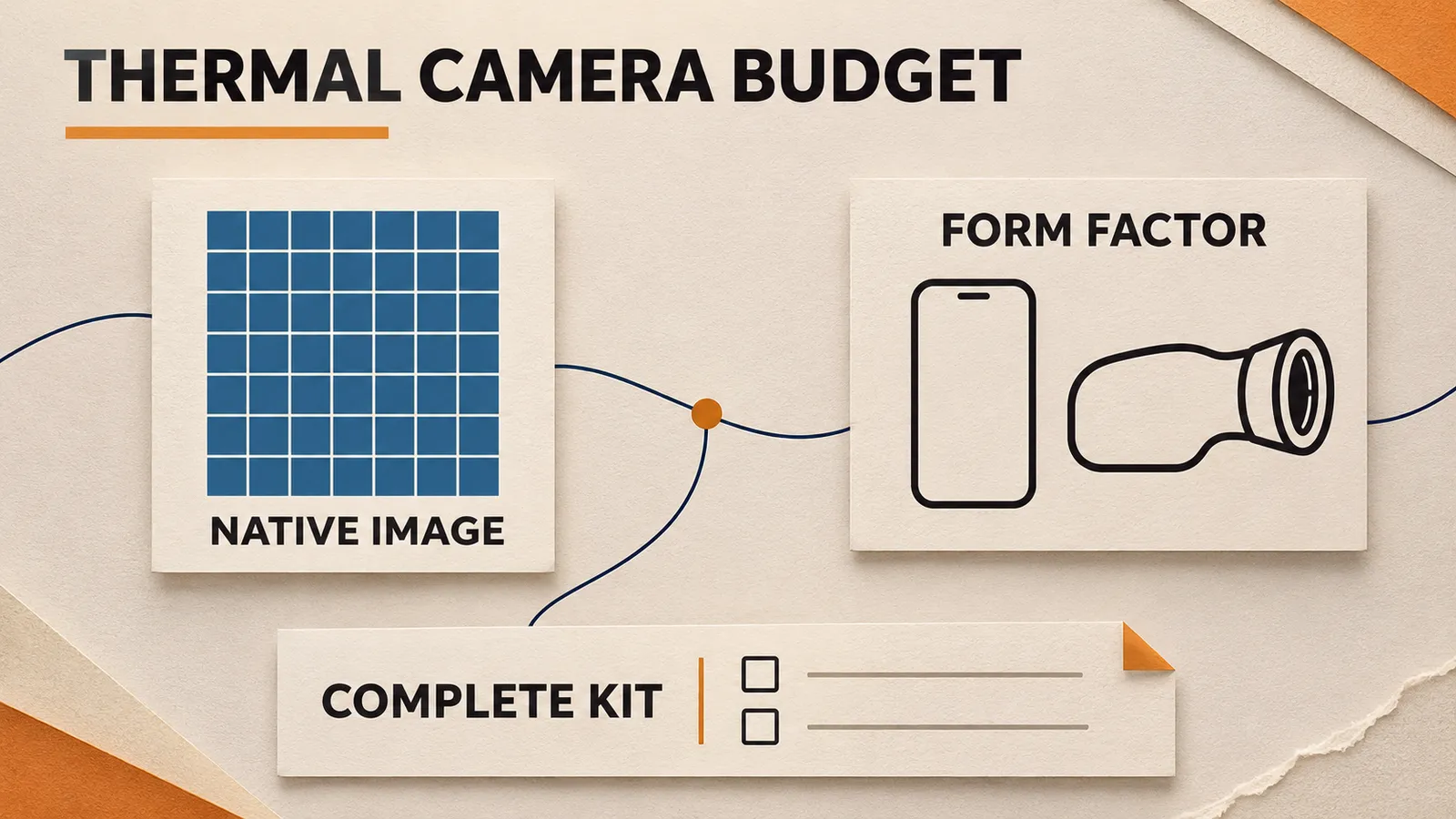
A thermal imaging camera price quote covers an imaging system, including its detector, optics, viewing arrangement and recording workflow. Compare those parts before paying for a larger resolution number. Two cameras can share a 256 × 192 infrared detector while serving different jobs, and an enhanced image size describes a different feature from native detector resolution.
Our OSelect examples are TOPDON products, made by TOPDON and offered through Olight. The US product prices recorded on November 6, 2026, for this comparison are $309 for TC001 Max and $499 for TS004. Check the selected configuration and current checkout price when buying. We use these two products to explain what a quote includes and how to decide which features address your task.
📋 Table of Contents
- 1. Why Do These 256 × 192 Thermal Cameras Have Different Prices?
- 2. Separate Native Resolution From an Enhanced Thermal Image
- 3. Read Display Resolution and Digital Zoom on Their Own Lines
- 4. Include the Lens and Field of View in the Price Comparison
- 5. Distinguish Temperature Sensitivity From Measurement Accuracy
- 6. Can You Use a Smartphone as a Thermal Camera?
- 7. Identify What the TS004 Standalone Format Adds
- 8. Check the Included Cables and Carrying Equipment
- 9. Account for Charging and File Transfer Before an Outing
- 10. Pay for Useful Image Interpretation Features
- 11. Define the Limits of a Home Inspection Purchase
- 12. Include Calibration and Service in the Ownership Plan
- 13. Keep Thermal Camera Quote Inclusions Consistent
- 14. FAQ
Why Do These 256 × 192 Thermal Cameras Have Different Prices?
TC001 Max is a phone-connected thermal camera that also supports a Windows-computer workflow. TS004 is a handheld thermal monocular with its own eyepiece display, storage and rechargeable battery. Both products in our OSelect range publish a 256 × 192 infrared resolution. The recorded $190 price difference therefore cannot be explained as a move to a larger native detector array.
| Purchase detail | TC001 Max | TS004 |
|---|---|---|
| Recorded US product price | $309 | $499 |
| Native infrared resolution | 256 × 192 | 256 × 192 |
| Primary viewing arrangement | Compatible phone or Windows computer | Integrated eyepiece display |
| Published infrared field of view | 56° × 42° | 13.5° × 10.1° |
| Equipment to account for | Compatible host, application and connection | Device charging, files and viewing adjustment |
Write the purchase question in terms of a result. A homeowner who wants to document an accessible wall surface has a different requirement from someone who wants a separate eyepiece for stationary outdoor observation. The first needs an understandable surface record. The second needs a convenient view without occupying the phone as the main display.
Include the person who will use the result. If a contractor needs a record, ask what information and file format will help them before choosing the camera. If the result is a brief personal observation, consider whether recording and later analysis will be part of the routine. Those requirements can justify a form factor even when detector resolutions match.
Separate Native Resolution From an Enhanced Thermal Image
A 256 × 192 infrared array contains 49,152 detector elements. That number describes the native thermal sampling grid. TC001 Max supports TOPDON's TISR enhancement to 512 × 384. The larger output grid contains 196,608 positions, four times the original grid count, but it does not change the camera's published native array to a 512 × 384 detector.
Keep both figures on a quote. A supplier describing only “512 × 384 imaging” has left an important question unanswered if that number could refer to processed output. Ask for the native infrared resolution and the name of any enhancement separately. The distinction matters when you compare a processed image with a different camera's detector specification.
An enhanced image can still be a useful feature. The purchasing question is whether the resulting view helps with your intended record or observation. Evaluate that output for the task while retaining its correct description. Avoid calculating a cost per native detector element from the enhanced dimensions, because that arithmetic would assign hardware the camera does not claim to contain.
The TC001 Max manual also lists a separate 1.5-megapixel visible-light lens. Visible detail and infrared data have different roles. A clear edge from a visible camera can help locate a feature in a combined view, while the thermal detector supplies the infrared image. Read a dual-lens specification as two imaging channels with their own specifications.
Read Display Resolution and Digital Zoom on Their Own Lines
TS004's technical details list an 800 × 600 OLED display. That figure describes the screen used to view the image. Its infrared camera remains 256 × 192. When a quote includes several resolution figures, label each one as detector, display, visible-light camera or processed output before comparing prices.
The TS004 manual gives digital zoom settings of 1X, 2X, 4X and 8X. From the powered-on state, pressing the Zoom Button changes that setting. Enlarging the displayed view can help you examine part of the scene, but the zoom setting does not substitute for a larger native detector specification. Keep digital magnification separate from an optical or detector upgrade in your purchasing notes.
Include the Lens and Field of View in the Price Comparison
The two published fields of view are substantially different. TC001 Max covers 56° × 42°, while TS004 covers 13.5° × 10.1°. A camera's field of view describes the angular extent of its scene. With the same detector dimensions, changing that extent changes how the scene is distributed across the image.
For a nearby surface record, a wider view can make it easier to include surrounding features such as a wall corner or doorway. Those features help someone locate the recorded area later. A narrower view frames a smaller angular portion of a scene. Consider the space you can safely stand in and the amount of context you need, alongside the camera's intended use.
The TC001 Max technical details specify a minimum focus distance of 0.2 meter. Account for that when considering nearby objects or confined spaces. A small target that cannot be framed at an appropriate distance may need a different imaging arrangement. Do not assume that a device with a higher resolution number automatically solves a focus or access problem.
Avoid turning these specifications into an improvised recognition-distance table. Target size, contrast and viewing conditions affect what a scene supports. The buying decision here is whether the published optical arrangement fits your available position and required framing. A distance claim needs its own applicable evidence and conditions.
Distinguish Temperature Sensitivity From Measurement Accuracy
TC001 Max publishes NETD of 40 millikelvin or less, while TS004 specifies NETD below 40 millikelvin. FLIR's explanation of thermal sensitivity describes NETD in terms of the small temperature differences a thermal device can distinguish. Forty millikelvin is a difference of 0.04 kelvin. A sensitivity figure helps describe the thermal imaging system, but it does not mean that every displayed surface temperature is accurate within 0.04 degree.
TC001 Max separately specifies temperature accuracy of ±2°C or ±2 percent of the reading, whichever is larger. Under that formula, a 50°C reading uses the larger 2°C amount, while a 200°C reading uses 4°C. These are examples of the published arithmetic, with the specification's applicable conditions still required. They are useful for understanding a quote, without creating a new calibration result.
The manual lists a temperature resolution of 0.1°C as another separate figure. A display or measurement system can show small increments while its accuracy allowance is larger. If you are deciding whether a small difference is meaningful for a job, read the accuracy and measurement instructions along with the numerical increment.
Buy for the kind of information you need. Locating a contrasting area, documenting a surface pattern and making a defensible temperature measurement are progressively different requirements. Where a decision depends on an accurate value, identify the necessary measurement method and qualified person first. A colorful image or a sensitive detector alone does not establish that method.
Can You Use a Smartphone as a Thermal Camera?
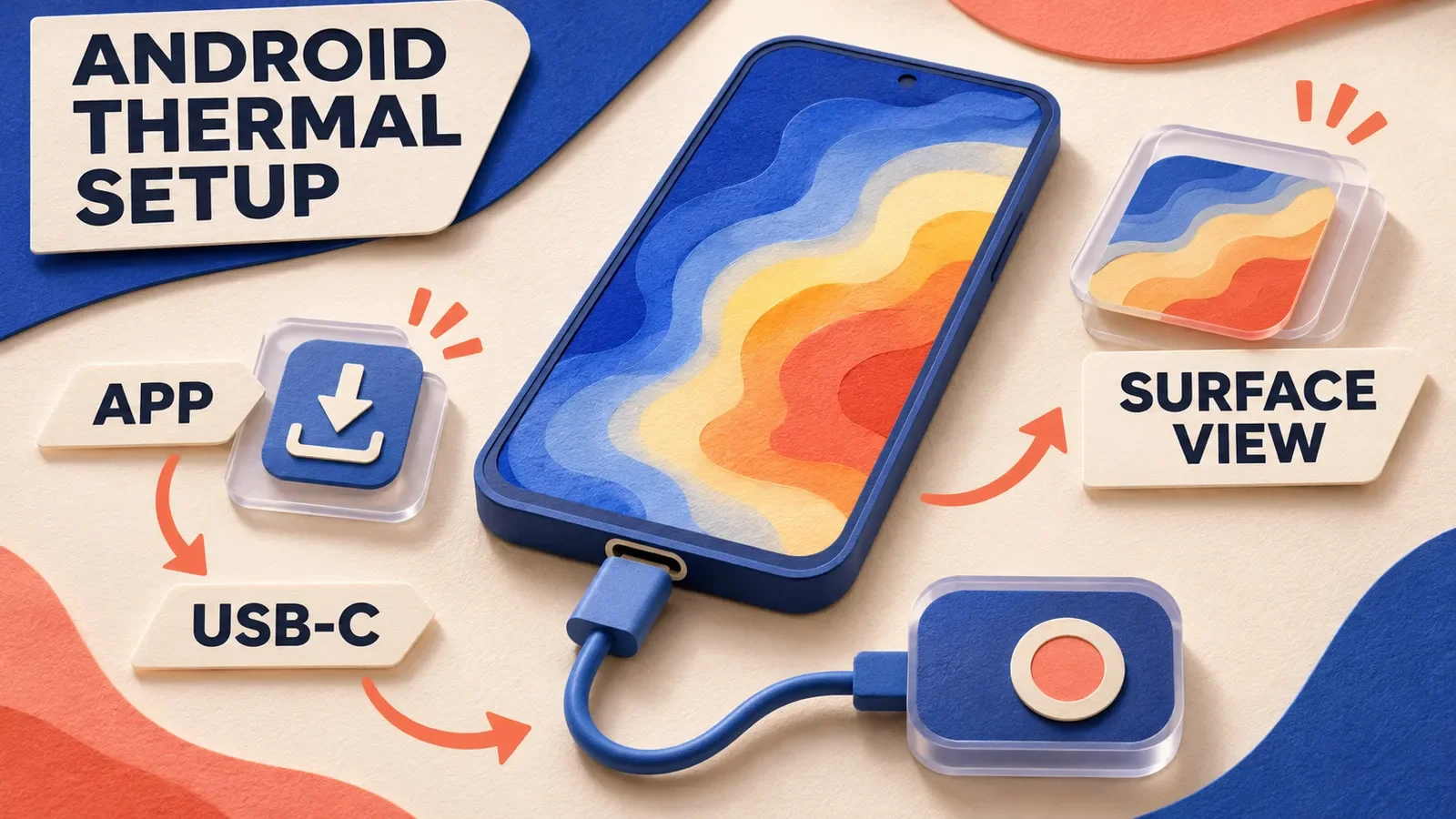
A compatible smartphone can host TC001 Max using the camera's external thermal hardware and application. The system also supports a Windows computer. Include the thermal camera hardware when pricing this arrangement, even if you already own the display device.
The US manual instructs mobile users to install and launch Topinfrared, then connect the camera directly through USB-C or through the supplied multifunctional adapter cable. The application guides permissions and provides an e-manual for its detailed functions. The Windows workflow uses TopView and the applicable supplied connection.
Before including a phone you already own as a zero-cost part of the kit, check compatibility and the physical connection for that exact device. The product's broad iOS, Android and Windows support does not identify every possible device, operating-system version or case arrangement. Confirm the relevant requirements through the applicable product and application instructions.
Consider availability as well as ownership. A phone used for calls, navigation or other work may be occupied while the camera is connected. A shared camera also needs a compatible host available to the next user. If another host would have to be bought or reserved for the job, put that requirement beside the camera price before comparing it with a self-contained device.
Our thermal camera selection guide compares the broader form-factor choices by task. For the price decision, identify the host you can actually allocate to the camera and any additional equipment that allocation requires.
Software preparation can affect when the equipment is useful. Install the correct application, review the needed permissions and establish where a record will be saved before relying on the kit for an appointment. This preparation helps expose a compatibility or file-handling question while you still have time to resolve it through the manufacturer's support.
Identify What the TS004 Standalone Format Adds
TS004 provides an integrated eyepiece display, a 5,000 mAh battery and 32 GB storage. Its published refresh rate is 50 Hz, compared with TC001 Max's 25 Hz. Those specifications describe a different viewing and recording arrangement. They give you several concrete features to assess within the recorded $190 difference.
The TS004 diopter adjustment changes the sharpness of the eyepiece view. Its manual distinguishes this adjustment from the camera's fixed focus. When assessing the standalone format, consider whether the intended user can obtain a comfortable, clear view through the eyepiece. Changing that viewing adjustment does not turn it into an adjustable-focus infrared lens.
From powered off, the TS004 manual specifies holding the Power Button for three seconds to switch it on. When TS004 is on, holding the same button for three seconds powers it off. A separate device can leave the phone available for other tasks, while introducing its own charging and storage responsibilities. Decide whether that independence is worth paying for in your actual routine.
A phone connection remains available for additional functions. With TS004 powered on, the manual describes activating settings by holding the Mode Button for three seconds, enabling Wi-Fi on screen and following the application instructions for connection. Distinguish that optional connected workflow from the basic benefit of having a built-in viewing system.
Check the Included Cables and Carrying Equipment
The TC001 Max US package list includes the camera, a USB-C-to-Lightning cable, a USB-C-to-USB-C extension cable, a cleaning cloth, carrying bag and manual. Compare that list with the connection you actually need. An included adapter may address your host arrangement, so check the package before adding a duplicate accessory to the budget.
TS004 lists the thermal monocular, a USB-A-to-USB-C cable, carrying bag, hanging strap and manual. Its USB-C port supports charging and file transfer through the supplied cable. Look at the source-side connector as well as the device-side port when deciding whether the equipment you already have completes the kit.
Assign separate amounts to an essential missing item and an optional convenience. A compatible source or host may be necessary for your chosen workflow. An additional bag may be optional when the package already provides one. This separation produces a useful total without artificially making one camera seem more expensive through accessories the other comparison omitted.
For a shared household purchase, decide which equipment belongs with the camera and which belongs to an individual's phone or computer. That decision affects whether the next user can repeat the setup. It can also reveal an actual need for a spare connection, which deserves a cost line of its own instead of an assumed bundle inclusion.
Account for Charging and File Transfer Before an Outing
The TS004 manual gives a charging time of about four hours, and the product information lists battery life up to 11 hours. Use the charging instructions to plan preparation before an outing. The maximum published battery figure should remain attached to its stated role, rather than becoming a promise that any combination of recording and connected use will last that long.
Recorded photos and videos are saved on TS004 and can be viewed or transferred when it is connected to a PC through USB. The manual states that video is automatically saved every 20 minutes. Consider how those files will be collected if your task involves handing several recordings to another person. A continuous observation may produce multiple files that need understandable names and context.
TC001 Max draws on its connected host arrangement rather than requiring a separately charged camera battery. The host still needs enough usable power for the planned work. Include that device in the preparation plan and check the actual connection instructions before assuming that an unrelated charging accessory can be used at the same time.
Keep the first file-handling task small. Establish that the intended recipient can open the file, identify the location and understand what it shows. Solving those questions can be more valuable than buying a higher specification that produces a record nobody in the workflow knows how to use.
Pay for Useful Image Interpretation Features
TC001 Max offers thermal imaging and dual-fusion modes, with the separate visible-light camera helping provide scene context. Its product description also identifies graphs and temperature-analysis functions through the associated applications. For an accessible surface record, consider which function helps you communicate the particular observation, rather than treating the number of software features as a score.
The TC001 Max technical table lists Center Spot, Hot Spot and Cold Spot tools, plus user-definable tools with three points, three lines and three rectangles. If your record needs several named areas on the same accessible surface, check how those tools appear in the applicable software. That requirement gives you a specific analysis function to compare with a simpler observation workflow, beyond the camera's native resolution.
TS004 provides five pseudo-color palettes in its manual, including White Hot, Black Hot, Red Hot, Bird and Fusion. These palettes change how thermal information is displayed. They are separate from its independent LED flashlight. A red area in a pseudo-color image is a display choice, so it should remain distinct from a red-light illumination feature when you compare products.
The TS004 Red Hot description gives a specific example of why the palette matters. The hottest ten percent of things in the image appear red, while the rest appear gray. That description refers to the displayed scene. A red patch therefore does not establish one fixed temperature or the same absolute temperature in another scene.
When sharing an image, retain enough information for another person to understand the display. Identify the palette and any temperature scale or setting relevant to the record. Enlarged crops without those details may look persuasive while making comparison harder. Ask whether the software helps preserve the context you need, alongside the appearance of the image itself.
Define the Limits of a Home Inspection Purchase
The TC001 Max manual explains that the device measures surface temperatures and does not see heat through glass, acrylic, water or opaque objects. A view of a window or wall therefore needs to be interpreted as a surface observation. Paying for a different resolution does not remove that boundary.
Reflective surfaces and strong light can affect the result, and the manual advises avoiding those sources of error. A suspicious-looking pattern may justify a better-documented observation or a qualified assessment. It does not establish the cause of a leak, an insulation defect or an electrical problem by itself. Include professional assessment in the plan when the decision has consequences beyond a routine observation.
Stay with accessible surfaces and ordinary safe positions. Thermal equipment does not supply electrical isolation, access permission or a repair procedure. Leave energized enclosures, concealed wiring and equipment repairs to appropriately qualified people. The useful homeowner purchase supports a clear question for assessment without turning an image into authority to open or alter equipment.
The camera's object-temperature range also differs from its operating environment. TC001 Max lists objects from −20°C to 550°C, while its technical details give a device working range of −10°C to 50°C. A hot object in the published measurement range does not make that environment suitable for the camera or safe for the person approaching it.
Include Calibration and Service in the Ownership Plan
The TC001 Max manual describes a periodic shutter refresh that can produce a click and a brief interruption in the image. It gives an automatic refresh interval of 30 seconds by default. Knowing that documented behavior helps you distinguish an expected imaging event from an assumption that the equipment needs replacement. Read the matching troubleshooting entry before assigning a repair or replacement cost to an unfamiliar sound.
For ghosting, halos or other image abnormalities, the manual directs users to Image Calibration within the application's Learn More area. Follow that applicable procedure and TOPDON's support instructions rather than making physical adjustments to the camera. If an image fails to appear, its troubleshooting section also distinguishes host settings, application access and connection issues from a possible module fault. A compatible host with the correct permissions deserves a check before another camera purchase.
Plan how the equipment will be protected between uses. Both manuals warn against pointing the detector at the sun or another strong energy source for a long period. They also prohibit disassembly and advise avoiding lens contact or damage. Put the camera away through the appropriate carrying arrangement, without loose objects pressing against the lens. Choose a storage location compatible with its instructions, especially when the kit will travel with other tools.
The supplied TOPDON manuals describe a one-year limited warranty for defects in material and workmanship, with conditions and exclusions. Read the terms applicable to the actual purchase and keep the proof of purchase needed for support. A return policy, warranty claim and accidental-damage concern are separate questions. Comparing those terms with the seller helps you understand the purchase beyond the initial camera price, without assuming that every later problem will be covered.
Keep Thermal Camera Quote Inclusions Consistent
A practical quote should have separate lines for the selected camera, essential equipment missing from your existing setup and optional accessories. Record taxes, delivery and any other checkout charges separately if they apply. Use the same inclusions when comparing sellers or configurations so that one total does not silently include costs another leaves outside.
FAQ
Changelog
- November 7, 2026: Product information and buying guidance reviewed.